


Add the AhaSlides app to ChatGPT and ask for an interactive presentation, quiz, poll or survey on any topic. ChatGPT builds it straight into your AhaSlides account, ready to review, tweak and present. Sign in with your AhaSlides account, free or paid.
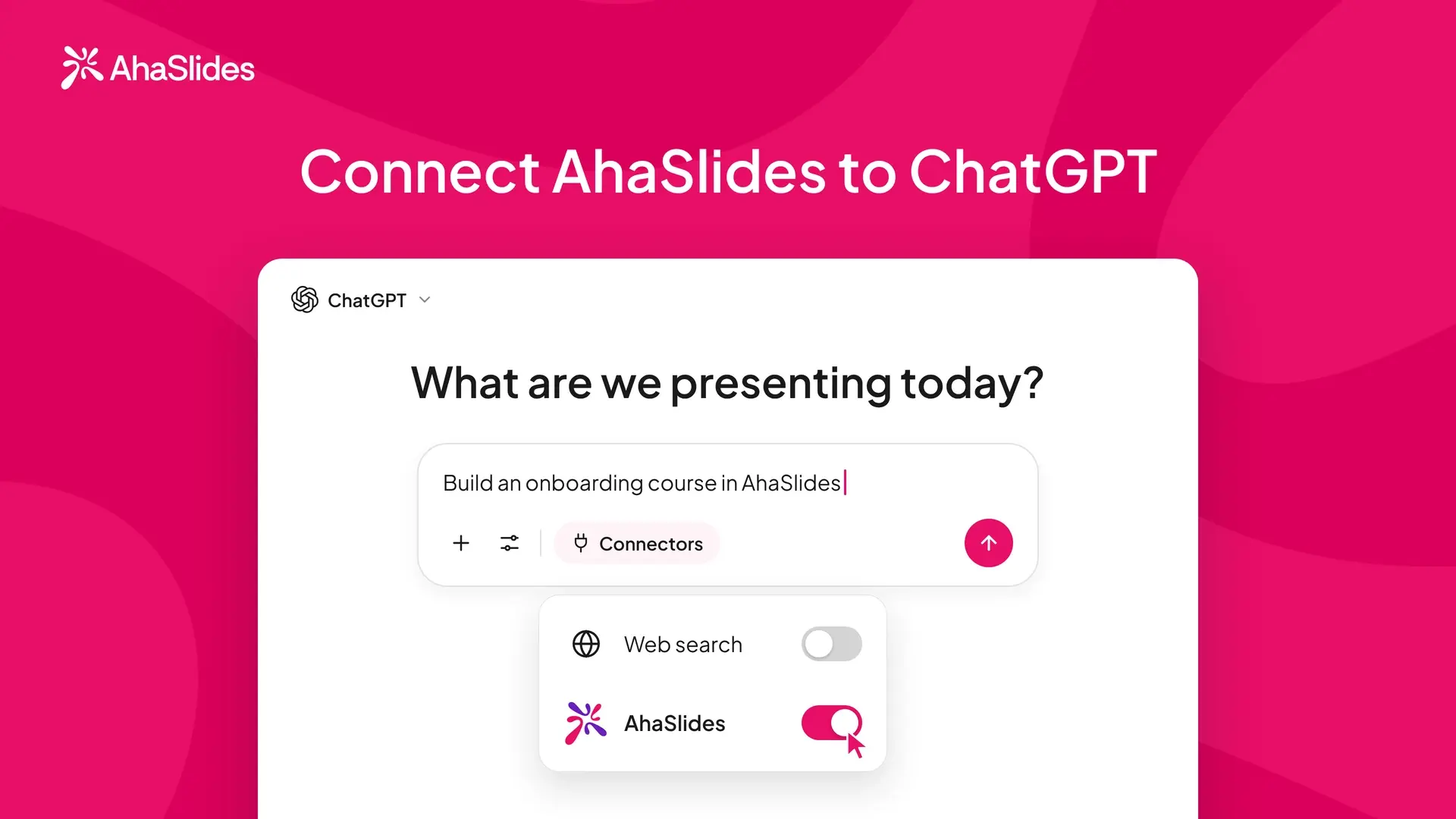
The AhaSlides app connects ChatGPT to your AhaSlides account. You describe what you want, and ChatGPT does the work in AhaSlides.
Once it is connected, you can ask it to:
- Build presentations with 17+ slide types, including quizzes, polls, word clouds, brainstorms and content slides.
- Edit slides: titles, options, answers, images, speaker notes, timers and scoring, or apply a theme.
- Create and publish surveys, and courses with lessons and quick checks.
- Read your results: participation, quiz scores and poll results.
- Keep presentations in folders and share them with collaborators.
1. In ChatGPT, open the Plugins tab, search for AhaSlides and open the listing. Or click Add to ChatGPT.
2. Choose Install plugin.
3. The first time you use an AhaSlides tool, sign in with your AhaSlides account (free or paid).
4. In a new chat, type a request such as "Create a 5-question quiz about climate change".
Create slides by just asking
Describe a topic and ChatGPT builds a full deck with quizzes, polls, word clouds and more, ready to present in minutes, not hours.
Quiz builder
Generate quiz questions automatically, then fine-tune answers, timers and scoring in AhaSlides or by asking ChatGPT.
Surveys and courses
Build and publish a survey, or a course with lessons and quick checks, in any language ChatGPT supports.
Results and reports
After a session, ask ChatGPT for participation, quiz scores and poll results, and turn them into a report you can share.
No API key
Sign in with your existing AhaSlides account. No set-up or code needed.
No. You can install the AhaSlides plugin on any ChatGPT plan, free included.
ChatGPT is retiring GPTs in December and moving to plugins. The AhaSlides plugin replaces the AhaSlides GPT and does more: it builds and edits slides straight in your AhaSlides account and can read back how your audience answered. Click Add to ChatGPT to install it.
Yes. Everything ChatGPT builds is saved to your AhaSlides account, so you can open it in AhaSlides and change any slide, question or setting. You can also keep chatting: ask ChatGPT to change titles, options, images or the theme.
Yes. Ask ChatGPT for a PowerPoint deck and you get one .pptx file with live AhaSlides quizzes and polls built in. They run live in the PowerPoint desktop app with the AhaSlides add-in installed.
Most AI tools hand you static slides. AhaSlides builds interactive ones: live polls, quizzes, word clouds and Q&A that get your audience taking part. After the session, ask ChatGPT for participation, quiz scores and poll results.