Live polling: free poll maker to engage

Let AhaSlides AI build your poll questions in seconds. Run them live or share async. Great for workshops, meetings and presentations. Integrate with Zoom, MS Teams, PowerPoint and Google Slides.

Create a poll for free
The most versatile live-polling software, trusted by 4M+ organisations worldwide
Abu Dhabi University logo
Airbus logo
Bend La Pine Schools logo
BMC logo
Bosch logo
Criteo logo
Ferrero Rocher logo
Intel logo
Ivy Tech Community College logo
Le Quiz Show logo
Abu Dhabi University logo
Airbus logo
Bend La Pine Schools logo
BMC logo
Bosch logo
Criteo logo
Ferrero Rocher logo
Intel logo
Ivy Tech Community College logo
Le Quiz Show logo

Every poll type you need

Pin on Image
Drop a pin anywhere on a photo for spatial votes.
Ranking
Ask audiences to order items by preference.
Idea Board
Surface crowd ideas and vote on the best ones.
Live polling
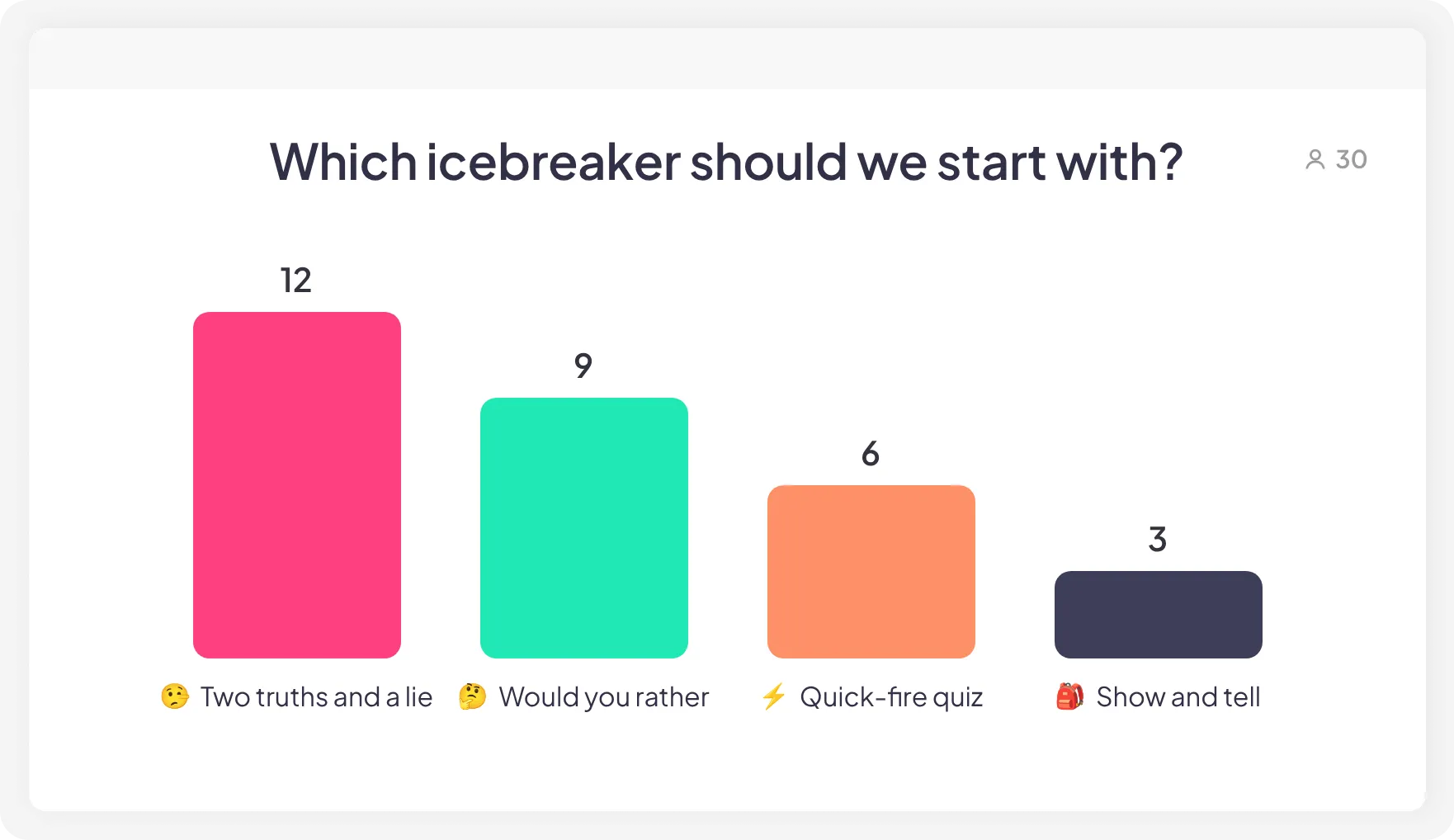
Collect instant votes shown as a live bar chart.
Q&A
Let audiences submit questions you answer live.
Open-ended
Gather written responses for qualitative insights.
Brainstorm
Freeform ideas where the best ones rise to the top.
Rating scale
Gauge satisfaction on a 1–5 or star scale.
Create a poll for free

AI builds the questions. You run the session.

AI poll creation

Describe your topic or upload slides. AI generates poll questions in seconds.

QR code poll

Join by QR code or link. No downloads, no accounts.

AI-powered insights

Get a summary of responses the moment your session ends.

Anonymous poll

Encourage everyone to raise voice by turning on the anonymous feature.

Create a poll for free

For any setting, any audience

Events & conferences

Run live Q&A, collect feedback, and handle up to 2,500 participants. No production team required.

Meetings & team building

Generate icebreakers and discussion polls before you walk in. Brainstorm, vote, collect input. Everyone contributes.

Training & education

Upload your course material and AI creates knowledge check polls in seconds. Word Cloud, Open-Ended, Brainstorm and more to test, teach, and engage.
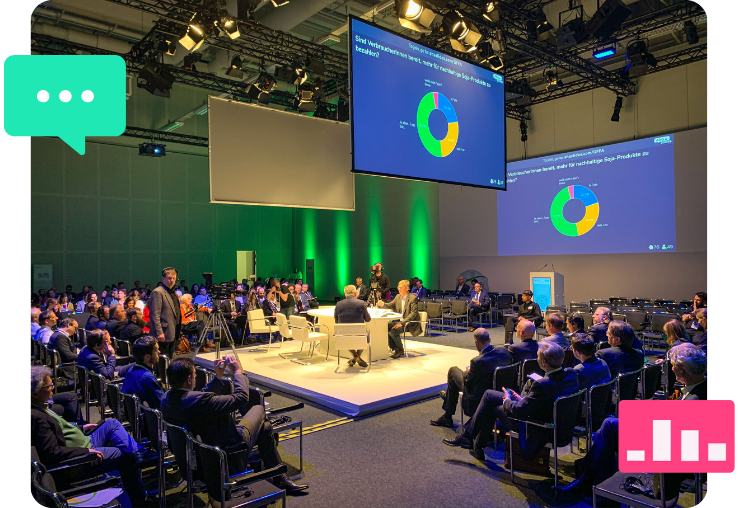
AhaSlides' online poll maker used in a big conference
Live polling platform with a real-time poll and audience

More participation. Better sessions.

Get everyone talking

AI creates icebreakers and discussion polls that get people genuinely sharing, not just listening.

Vote on what matters

AI helps you ask the right question. Audiences vote anonymously, in real time or at their own pace.

Improve every session

AI polls keep audiences active throughout. More participation, better outcomes.

What our users say

I was recently introduced to AhaSlides, a free platform which enables you to embed interactive surveys, polls and questionnaires within your presentations to enhance delegate participation and utilise the technology that almost all students bring along to the classroom. I tried the platform out for the first time this week on an RYA Sea Survival course and what can I say, it was a hit!
AhaSlides customer testimonial
Jordan Stevens
Director at Seven Training Group Ltd
I have used AhaSlides for four separate presentations (two integrated into PPT and two from the website) and have been thrilled, as have my audiences. The ability to add interactive polling (set to music and with accompanying GIFs) and anonymous Q&As throughout the presentation has really enhanced my presentations.
AhaSlides customer testimonial
Laurie Mintz
Emeritus Professor, Department of Psychology at University of Florida
As a frequent facilitator of brainstorming and feedback sessions, this is my go-to tool to quickly gauge reactions and get feedback from a large group, ensuring everyone is able to contribute. Whether virtual or in-person, participants can build on others' ideas in real time, but I also love that those who can't attend a session live can go back through the slides on their own time and share their ideas.
AhaSlides customer testimonial
Laura Noonan
Strategy and Process Optimization Director at OneTen

Create a poll for free

Live polling FAQs

How do I make my own poll?
Open AhaSlides, pick one of the Poll slide types, type your question and configure its Settings (timer, anonymous function, etc.), then share your poll to your audience via live QR code presentation, or a shareable link so they can do it anytime.
Can I create a Poll for free?
Yes, you can access all poll types with our free plan.
How can I create a poll in PowerPoint?
Install the AhaSlides add-in for PowerPoint. Create a slide and choose a poll question, they are marked as unscored. Add the slide to your PowerPoint presentation. Audience can scan the QR join code to participate in the poll session.
Are poll and survey results reliable?
Yes. Responses are locked once submitted and results update in real time. What you see is exactly what your audience said.
Can I collect anonymous responses?
Absolutely! You can enable anonymous mode to encourage honest feedback and open participation.
Can I use images, videos, and audio in my polls?
Yes, you can add images, videos, GIFs, and audio to your presentation to make polls more engaging.

Ready to engage your audience like never before?

Create a poll for free
© 2026 AhaSlides Pte Ltd