Create interactive presentations in seconds

The ultimate PowerPoint AI presentation maker that turns simple prompts into engaging, two-way experiences.
Create free presentations
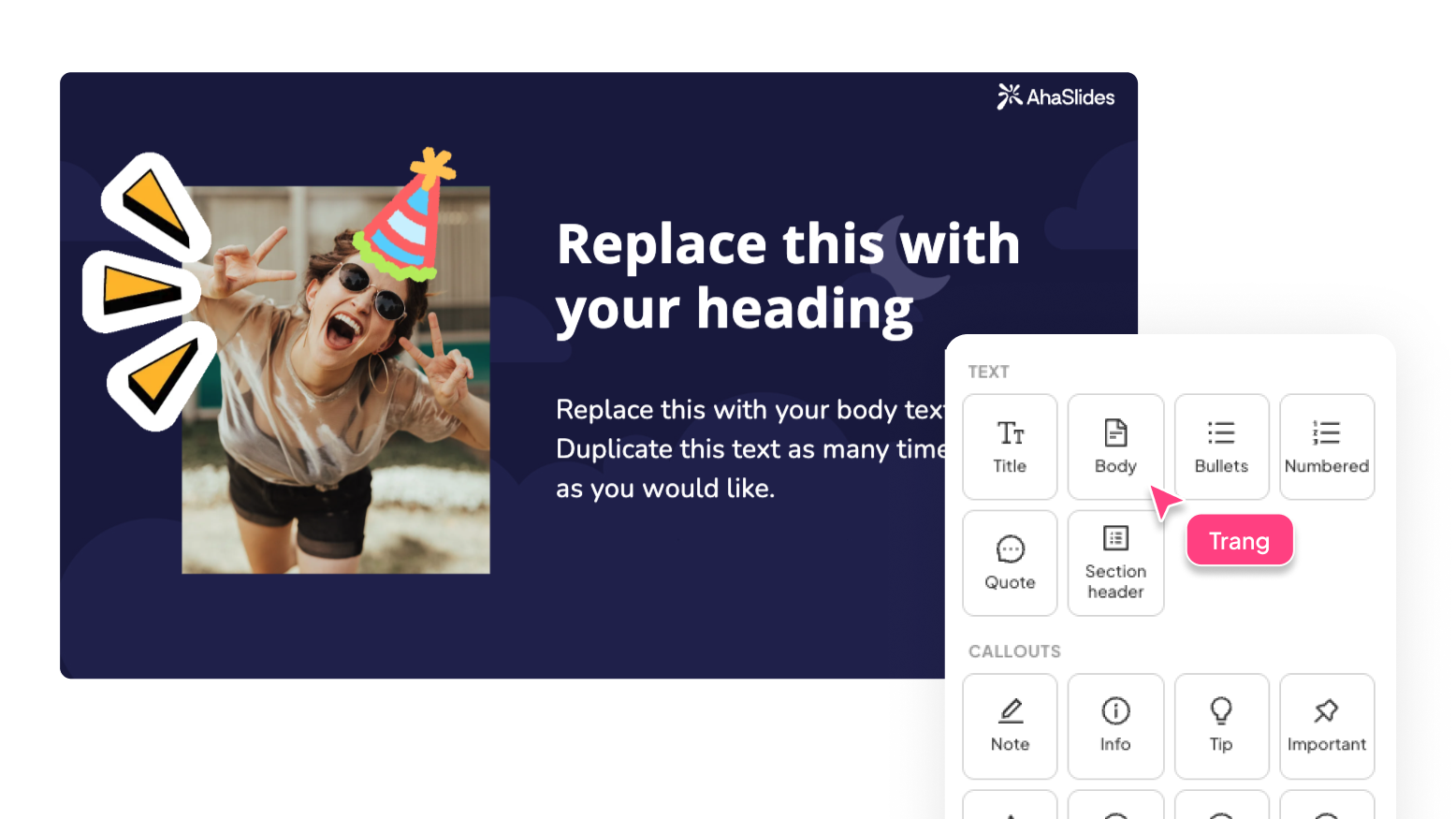
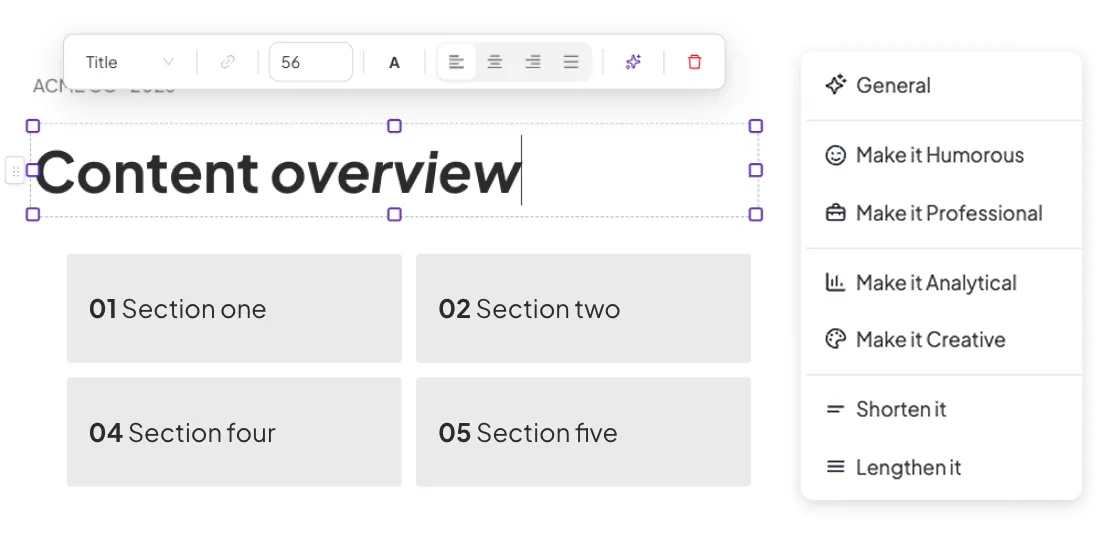
Content v2
Content v2
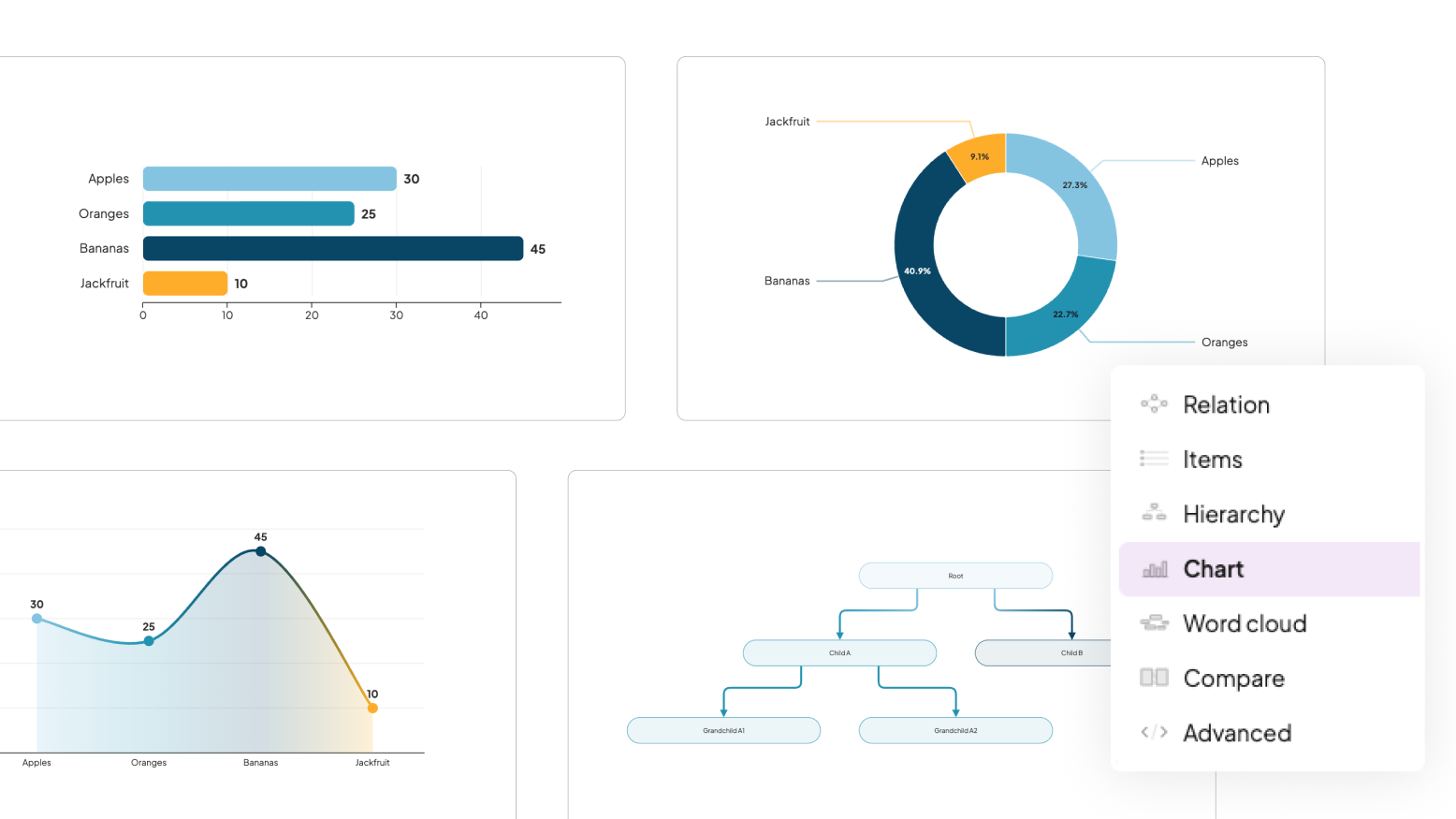
Diagram
Diagram
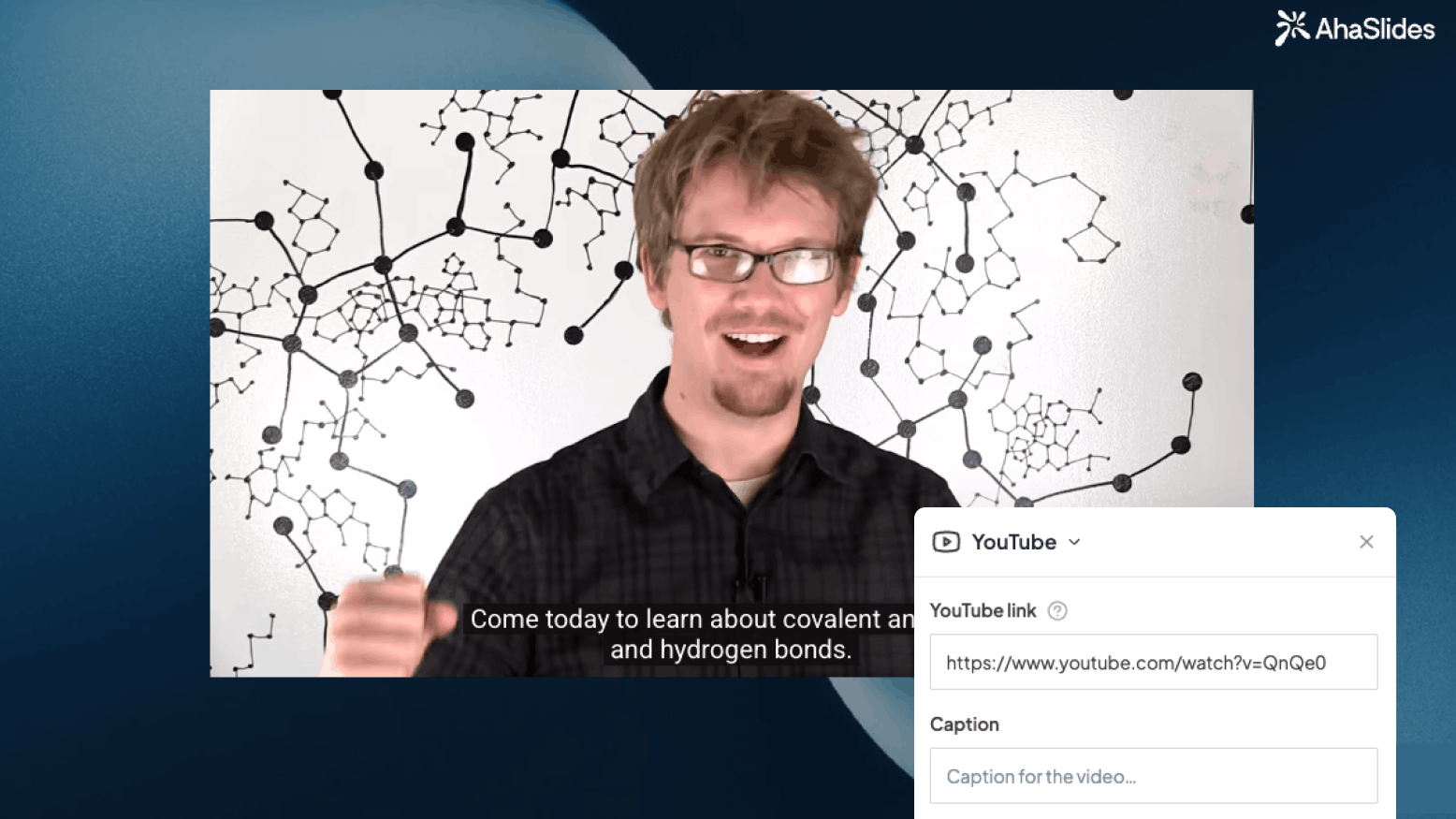
YouTube
YouTube
Embed
Embed
Google Slides
Google Slides
QR Code
QR Code
Break timer
Break timer
AI-powered course creation

AI-powered course creation

Overcome writer's block by generating entire lesson structures with the help of built-in AI assistant.

Create a course with AI
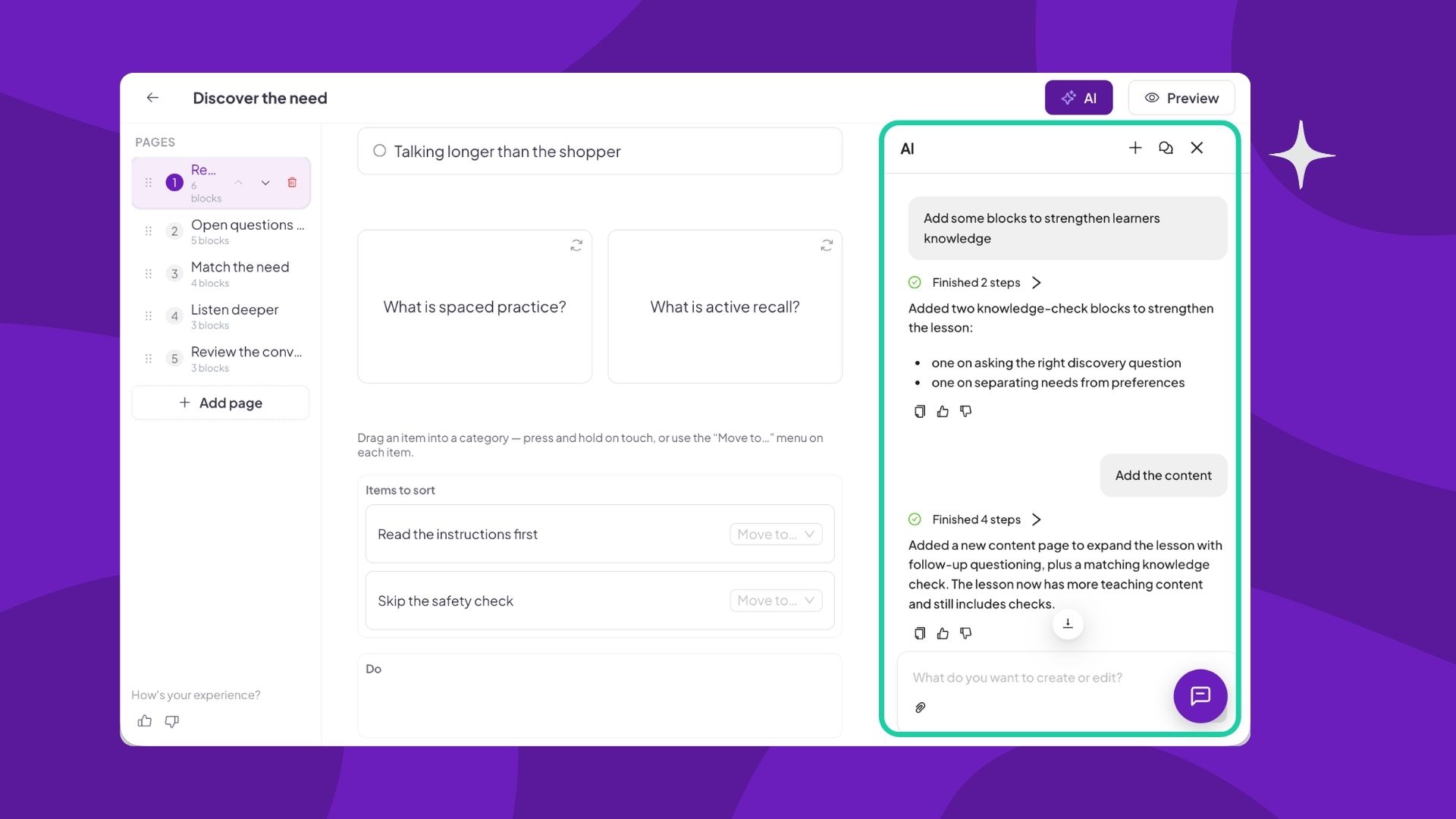
AhaSlides AI course creator drafting a course outline
Learning experience

Learning experience

Clean, distraction-free interface where learners view their progress, navigate between lessons and take part in interactive quizzes with automated grading.

Create a course
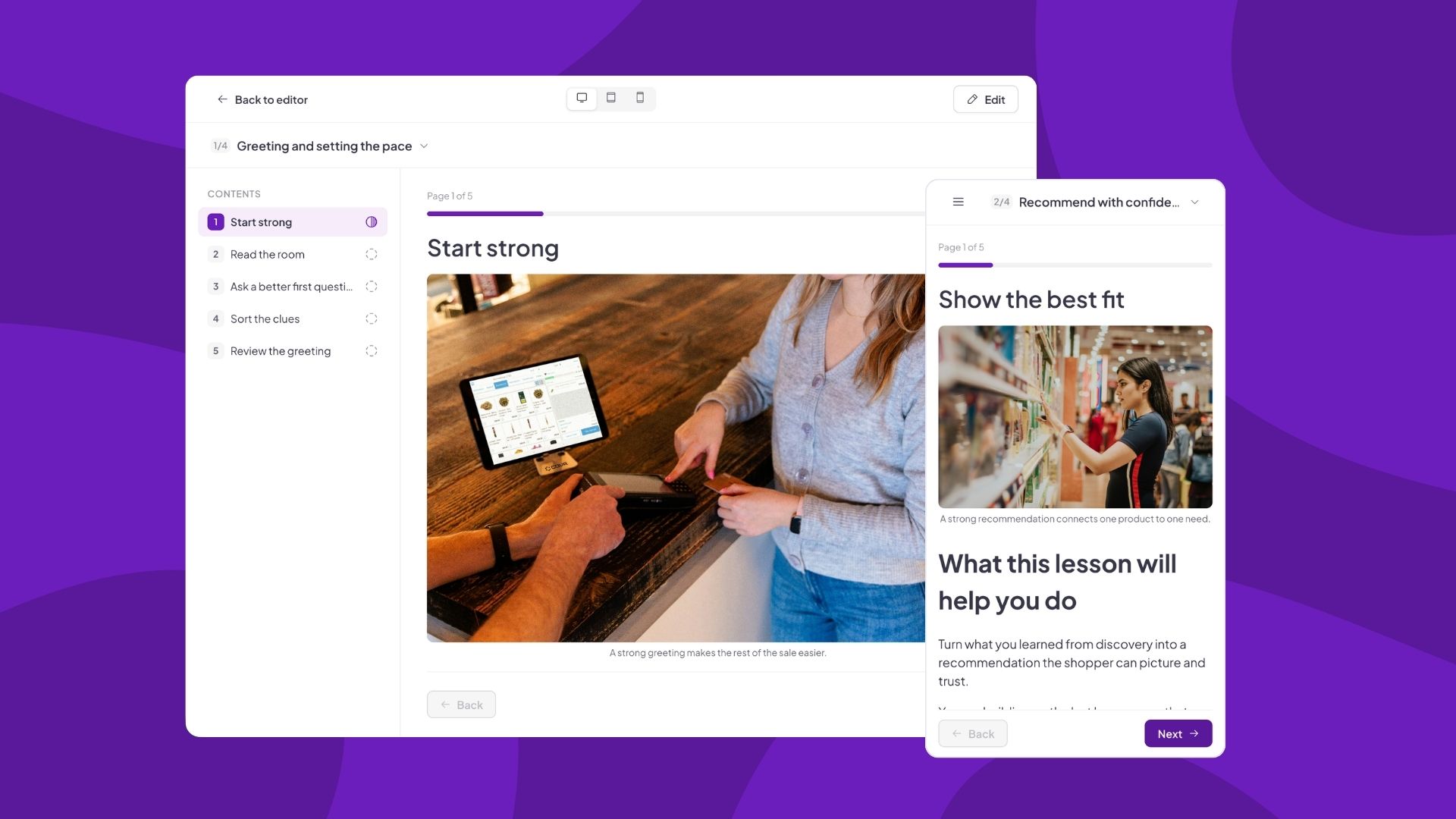
AhaSlides course player showing learner progress
Media

Media

Embed any type of rich media to support active learning: image, video, attachment, flashcard, interactive slides, and more.

Create a course
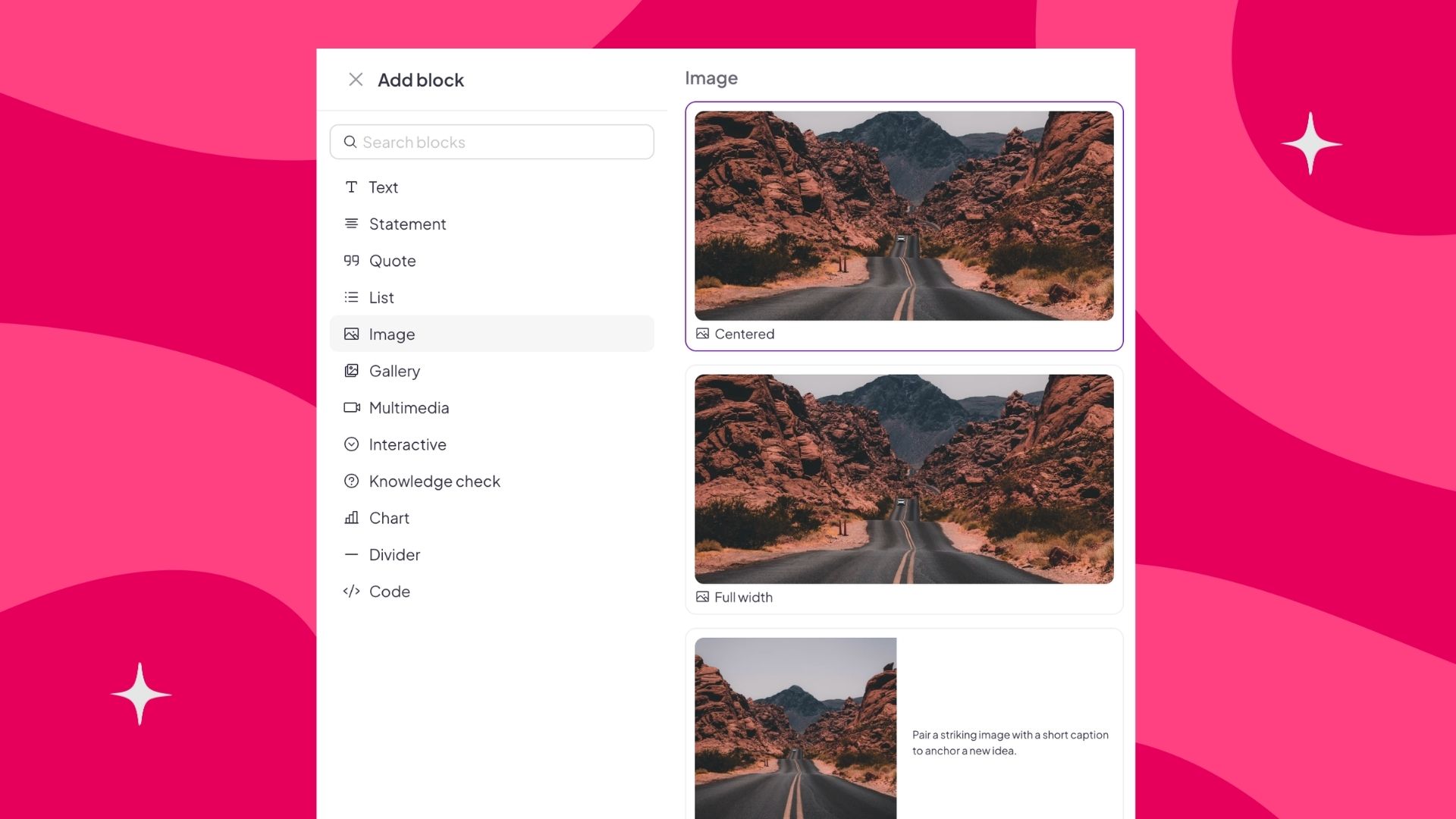
Rich media embedded in an AhaSlides course lesson
Course builder

Course builder

Organise modules and lessons with ease and embed multimedia content with the block-based rich text editor.

Create a course
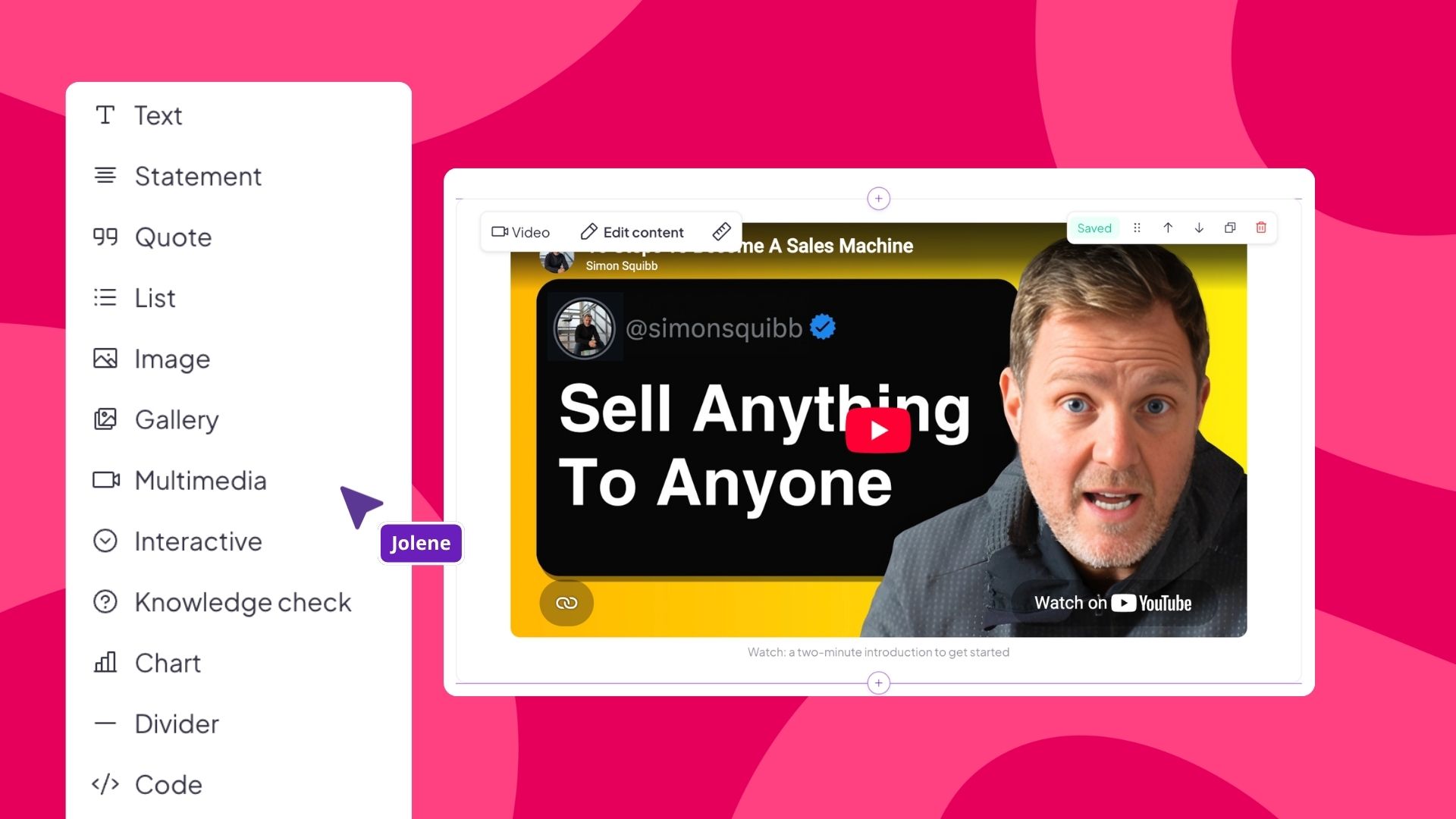
AhaSlides course builder with modules and lessons
NPS

NPS

A Net Promoter Score (NPS) measures customer experience by asking your audience to rate their likelihood to recommend you.

Create NPS questions
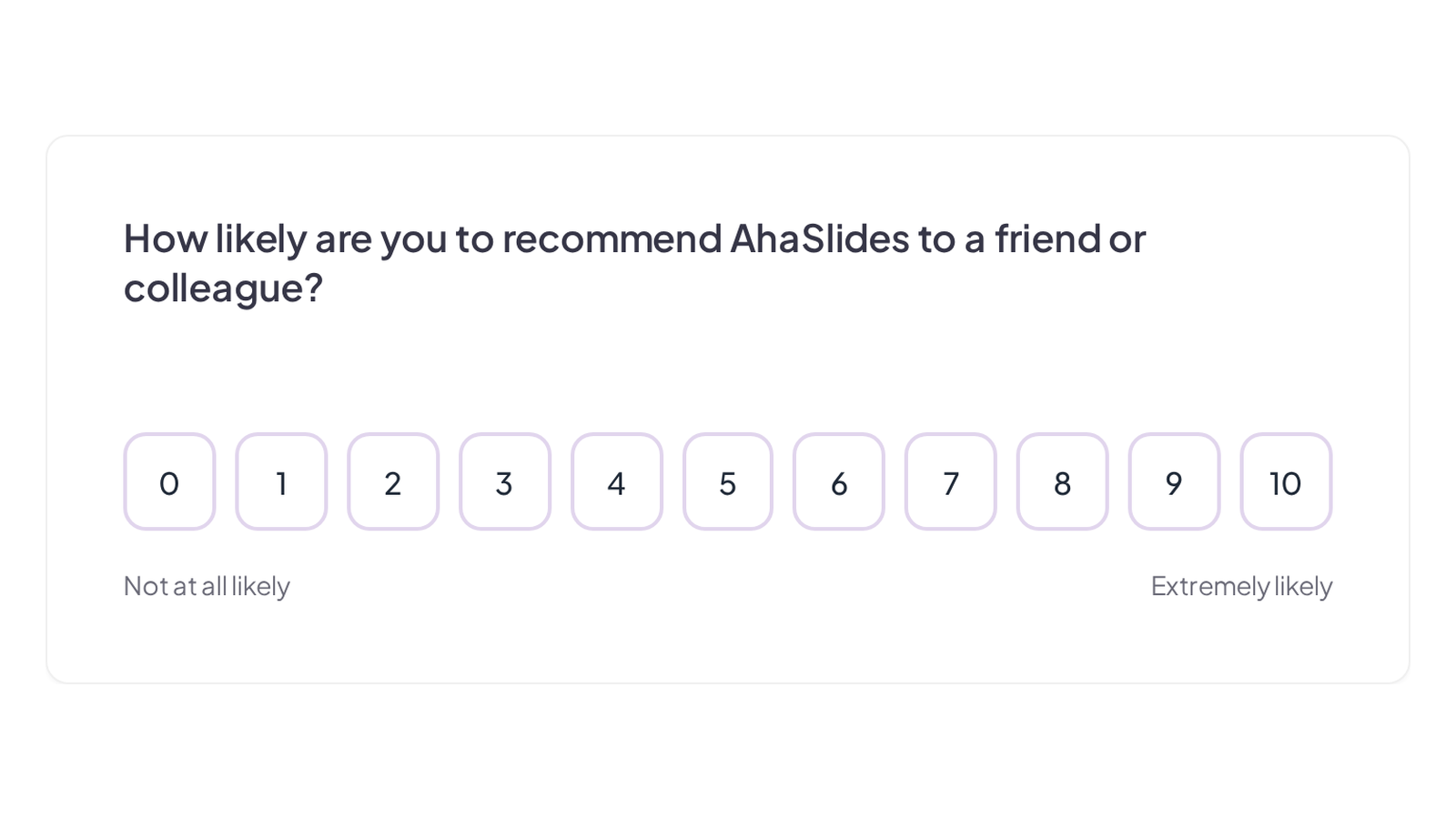
NPS question in an AhaSlides survey
Break timer

Break timer

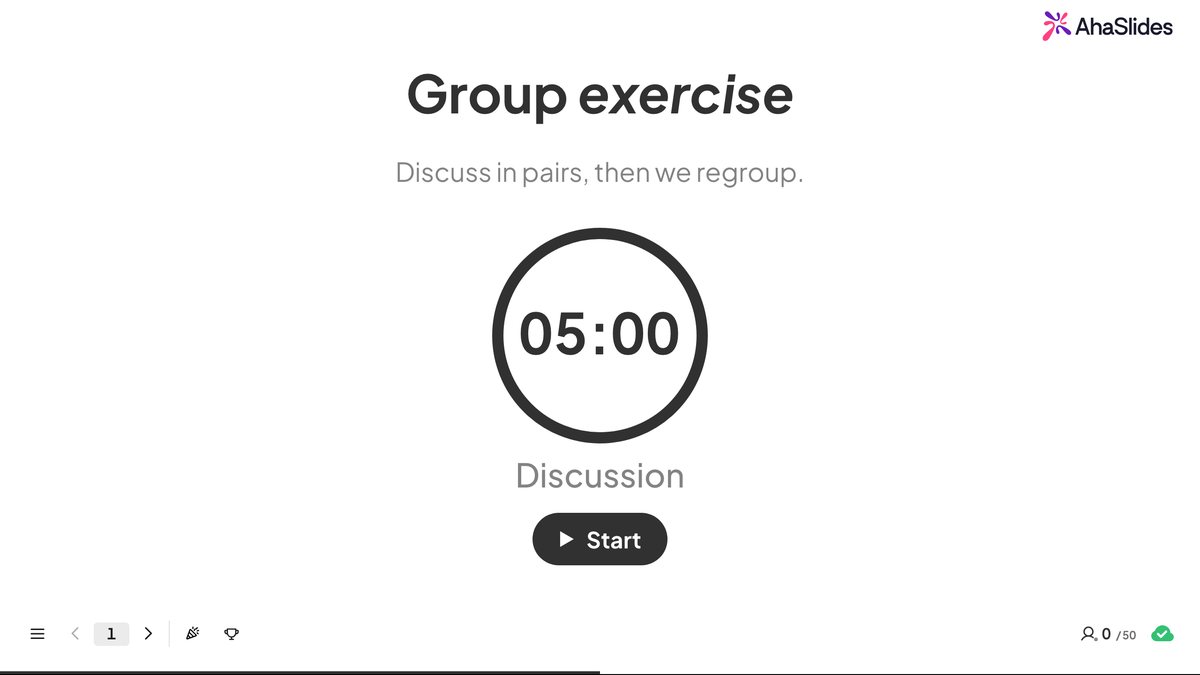
A break timer that displays a visible countdown clock on your slide. This timer is available in the Content V2 slide.

Add a timer
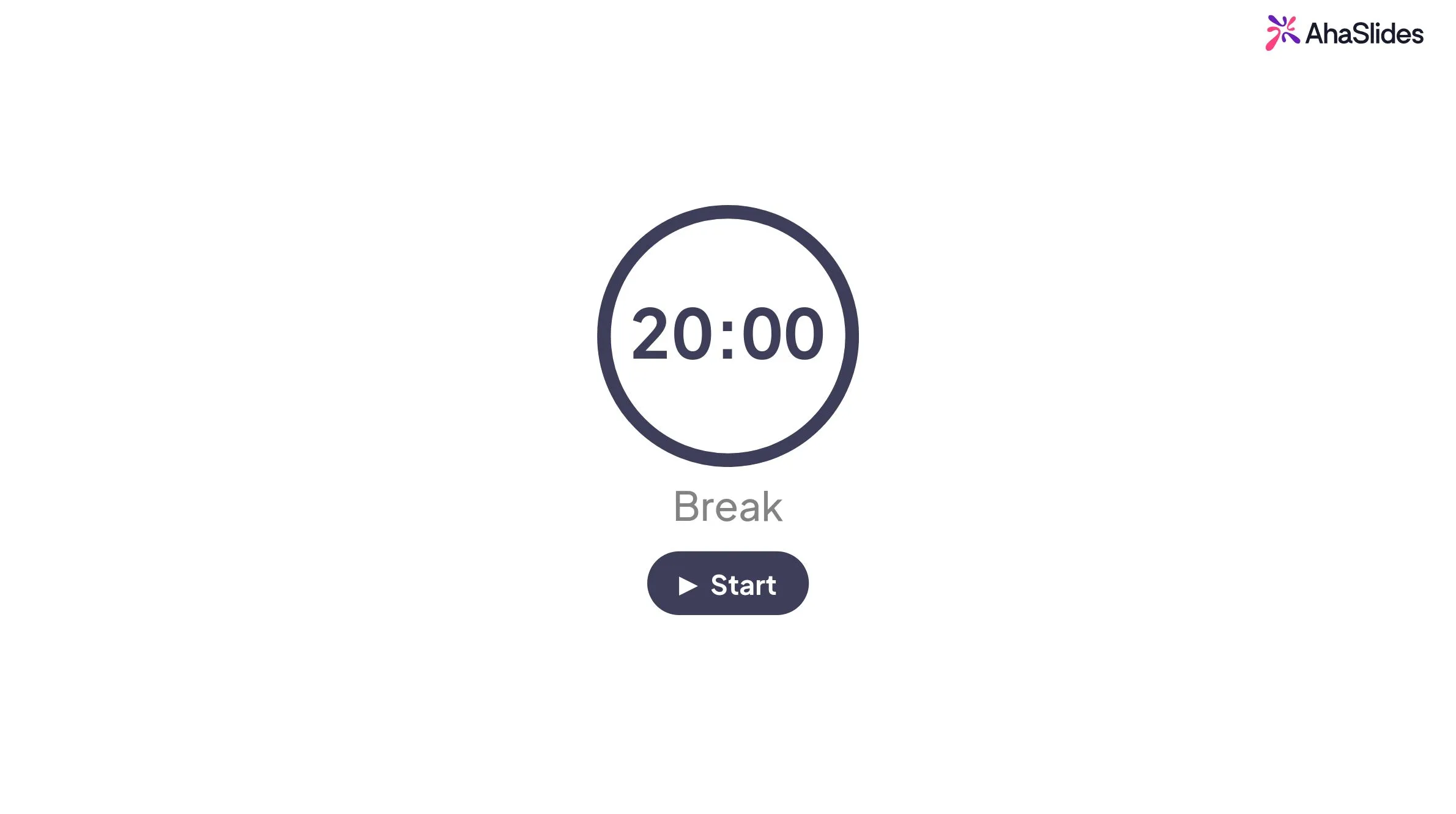
Break timer countdown clock on an AhaSlides slide
Duck Race

Duck Race

An online stopwatch or randomized name picker that lets your audience join as cute ducks. Names are chosen randomly through an animated duck race.

Create a duck race
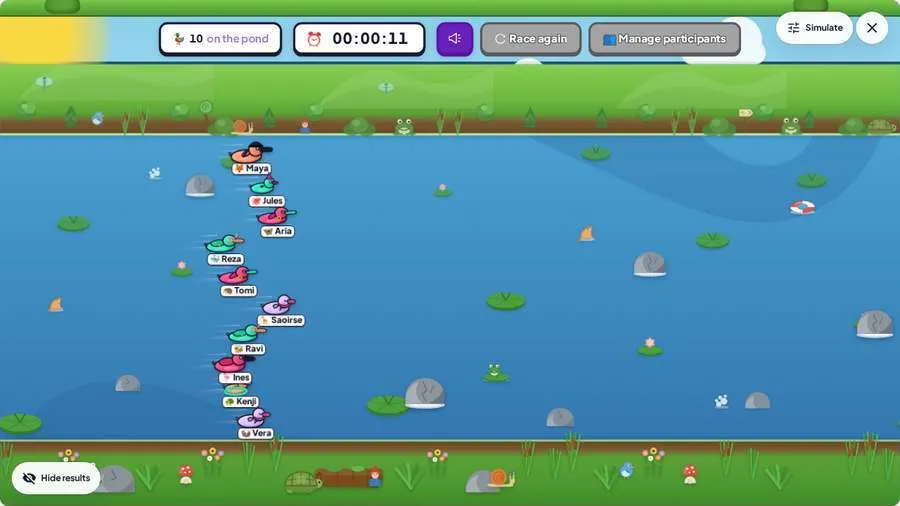
Duck race online stopwatch random name picker
Q&A

Q&A

Live Q&As give your audience a voice and you the feedback that matters in live, remote, or hybrid sessions.

Create free Q&A sessions
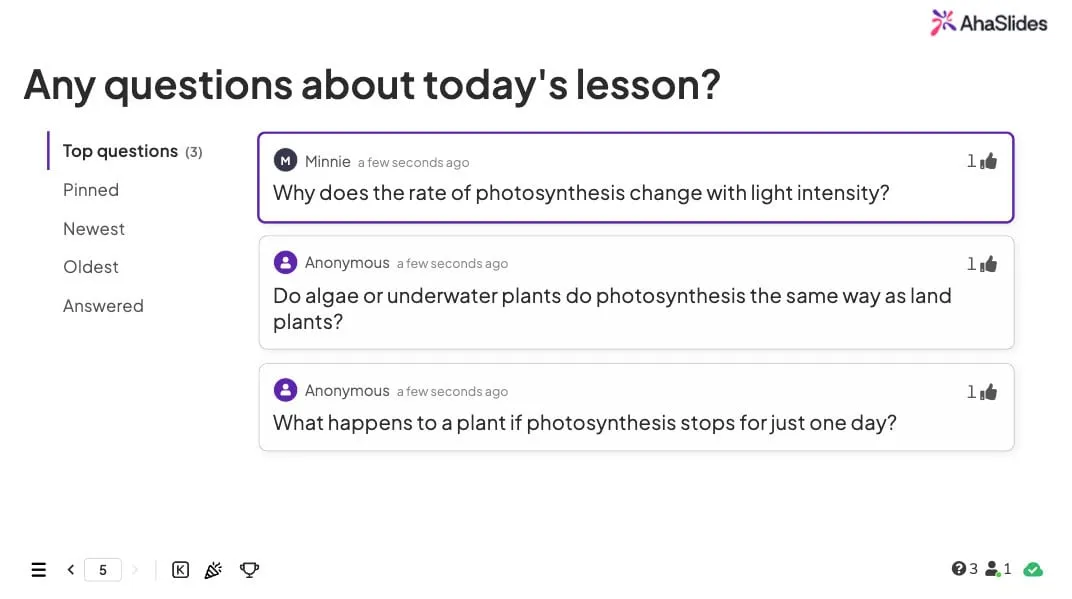
AhaSlides live Q&A slide with audience questions about the lesson
Fill in the Blanks

Fill in the Blanks

Players complete the missing words in a sentence. Ideal for definitions, formulas, and language learning.

Create a fill in the blanks quiz
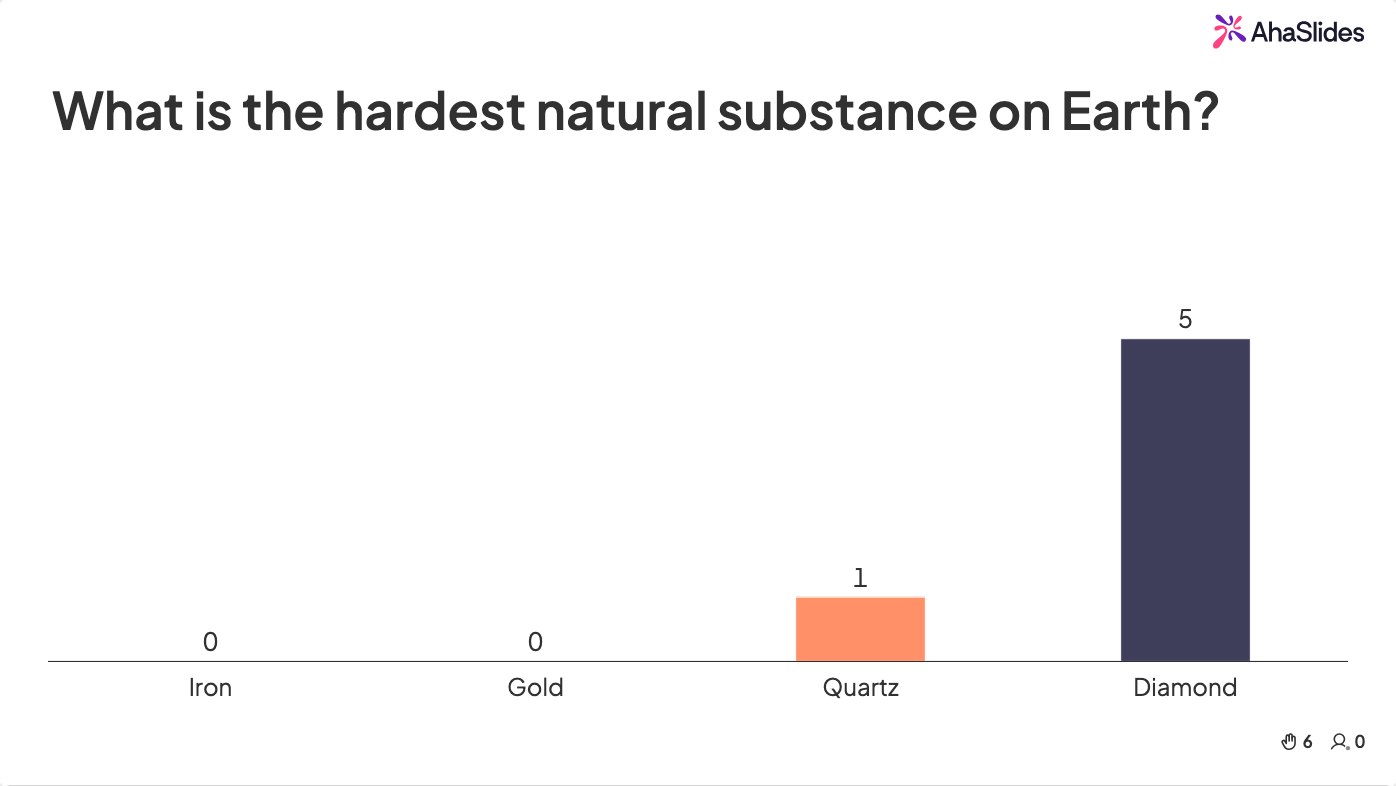
Fill in the blanks quiz question in AhaSlides
True or False

True or False

A quick two-option question players answer at speed. Perfect for rapid-fire rounds and fast knowledge checks.

Create a True or False quiz
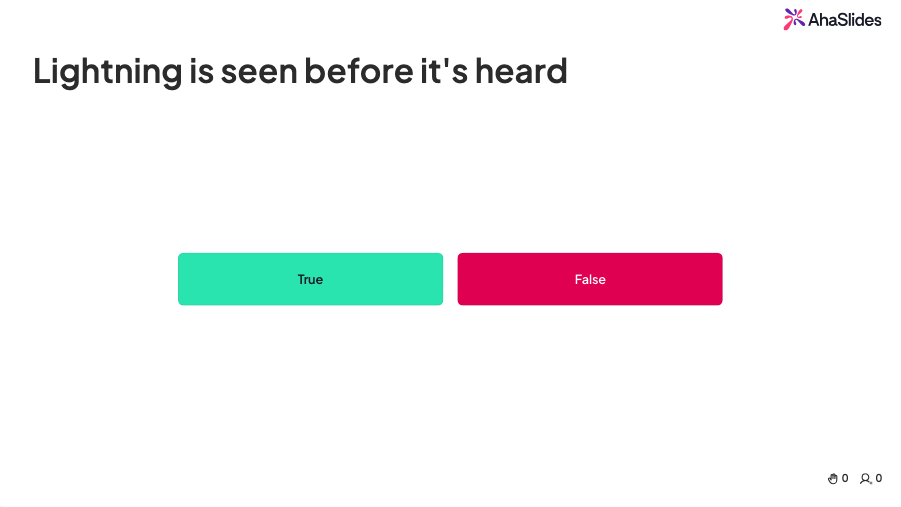
True or false quiz question in AhaSlides
Gold Hunt

Gold Hunt

A fast-paced quiz round where players hunt for hidden gold as they answer - the more they get right, the bigger the haul.

Try Gold Hunt
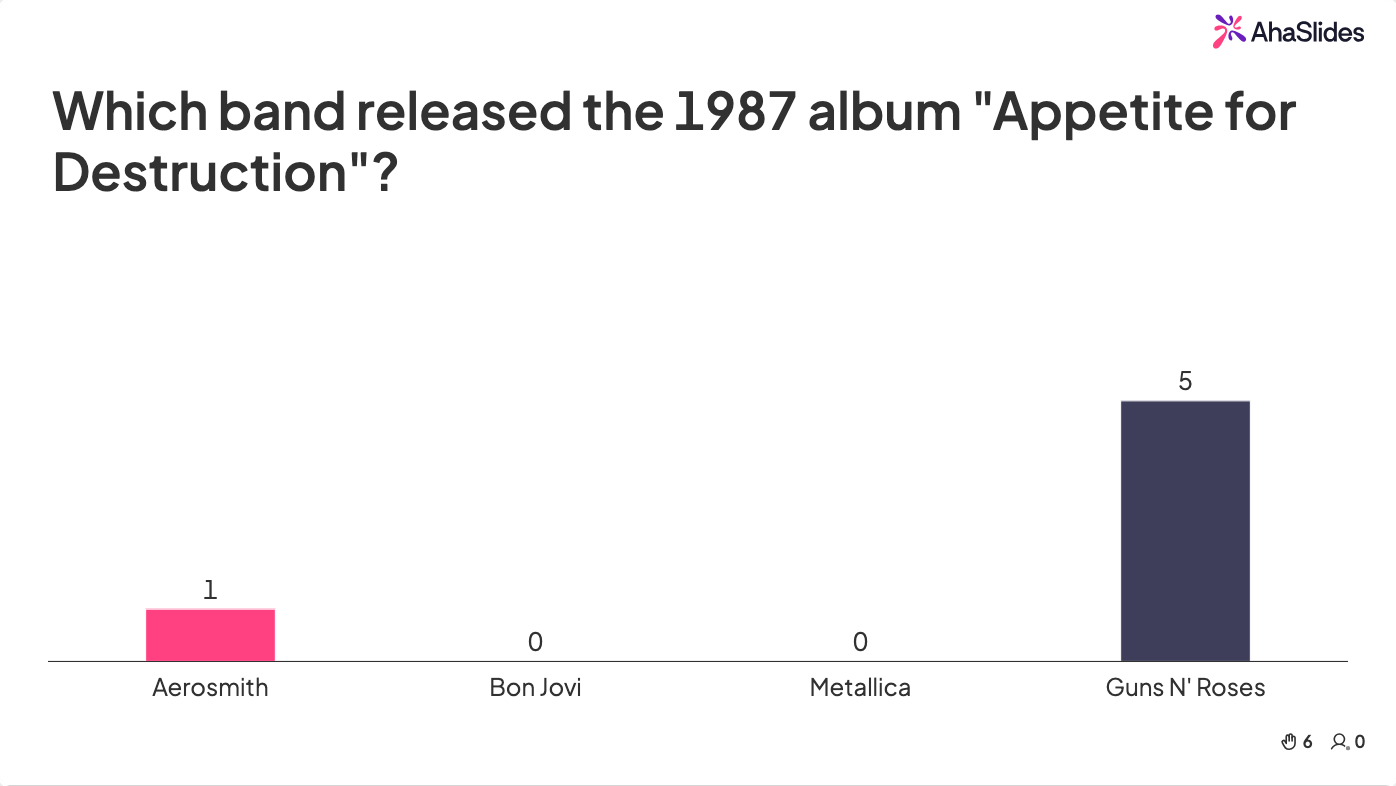
Gold Hunt quiz round in AhaSlides
Heading

Heading

A non-question block that breaks a long survey into sections.

Create a heading block
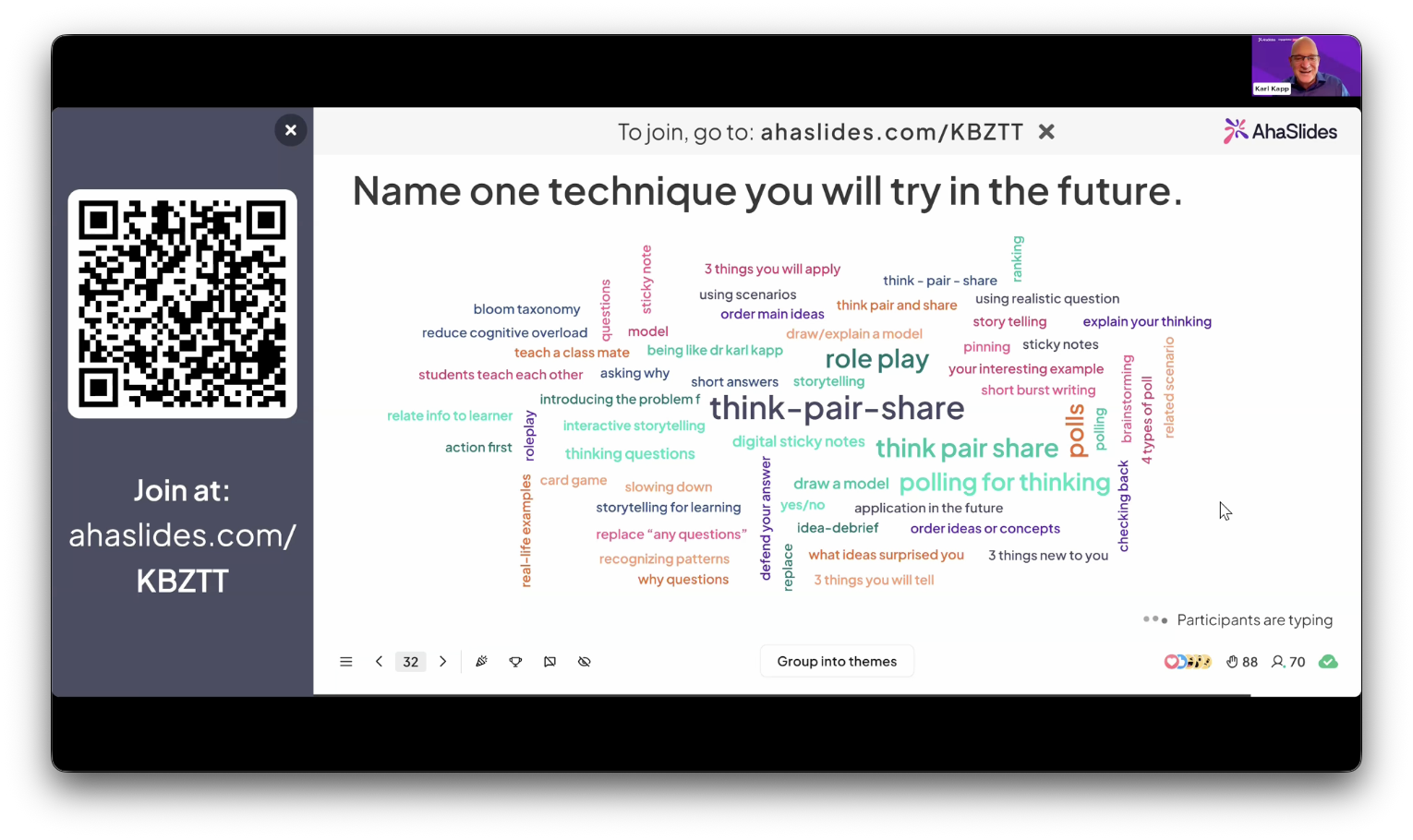
Live AhaSlides word cloud from a webinar
Short answer

Short answer

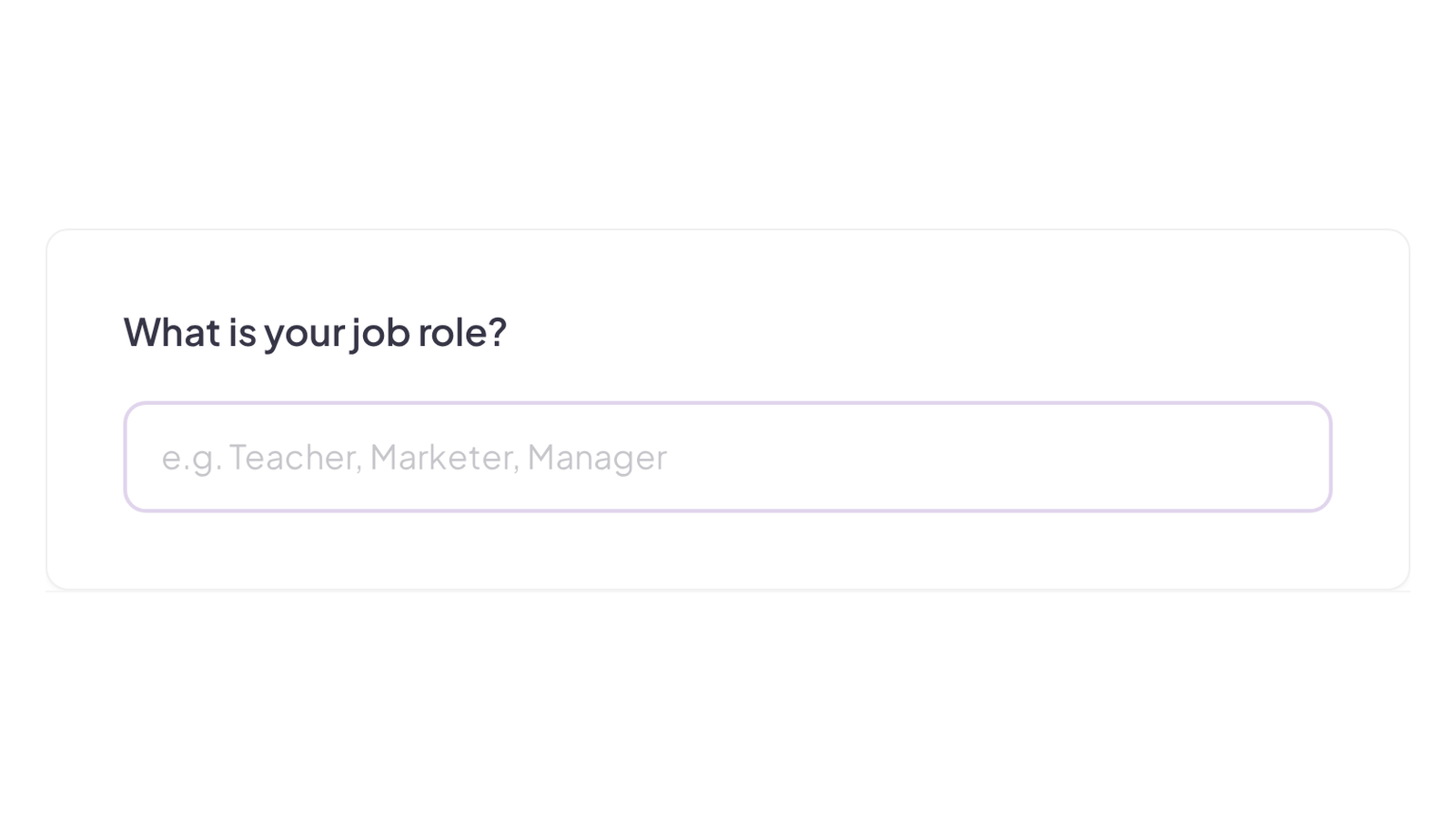
A single-line text input for brief answers.

Create a short answer question
Short answer question in an AhaSlides survey
Long answer

Long answer

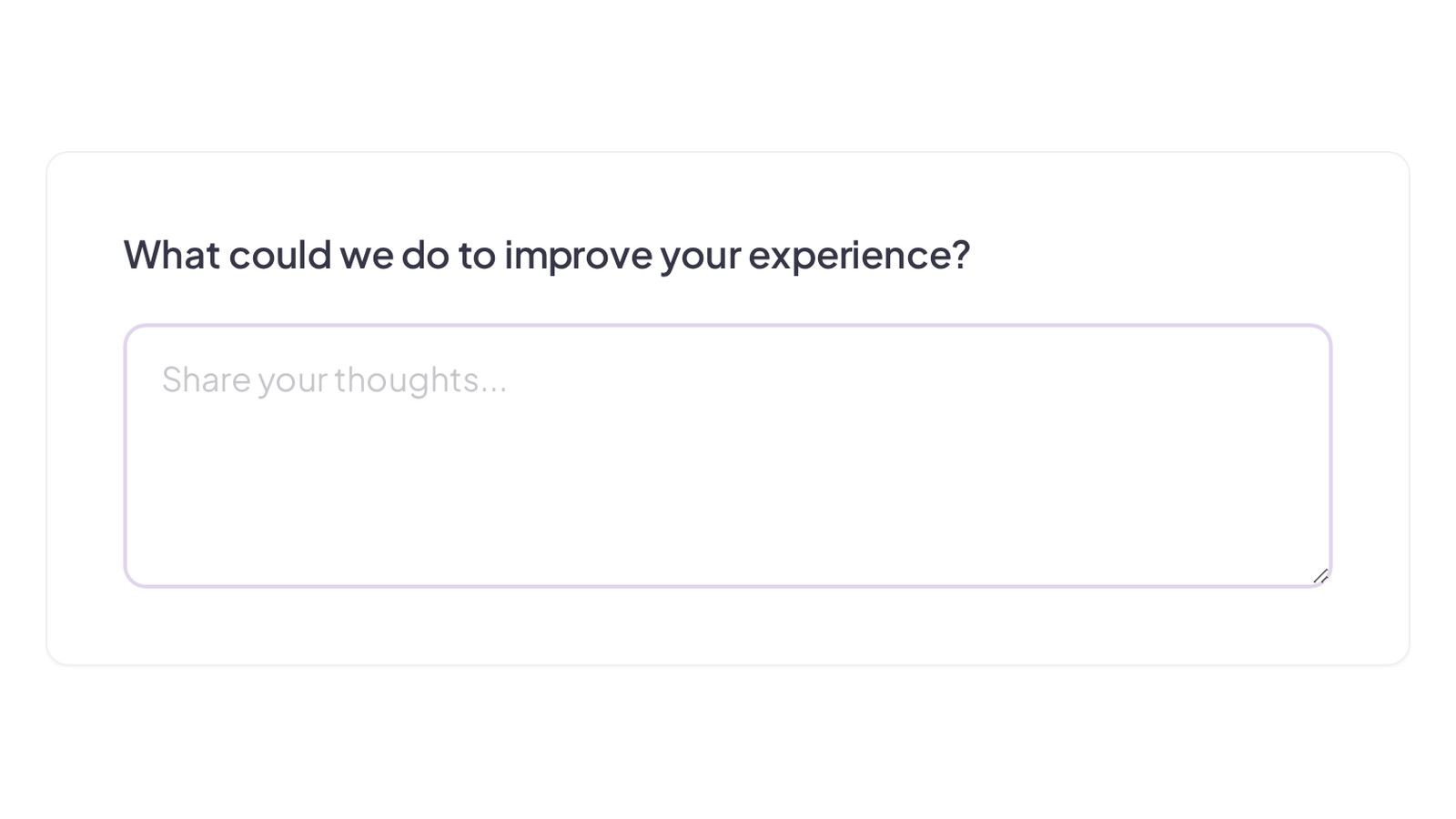
An open text box for detailed, free-form responses.

Create a long answer question
Long answer question in an AhaSlides survey
Rating

Rating

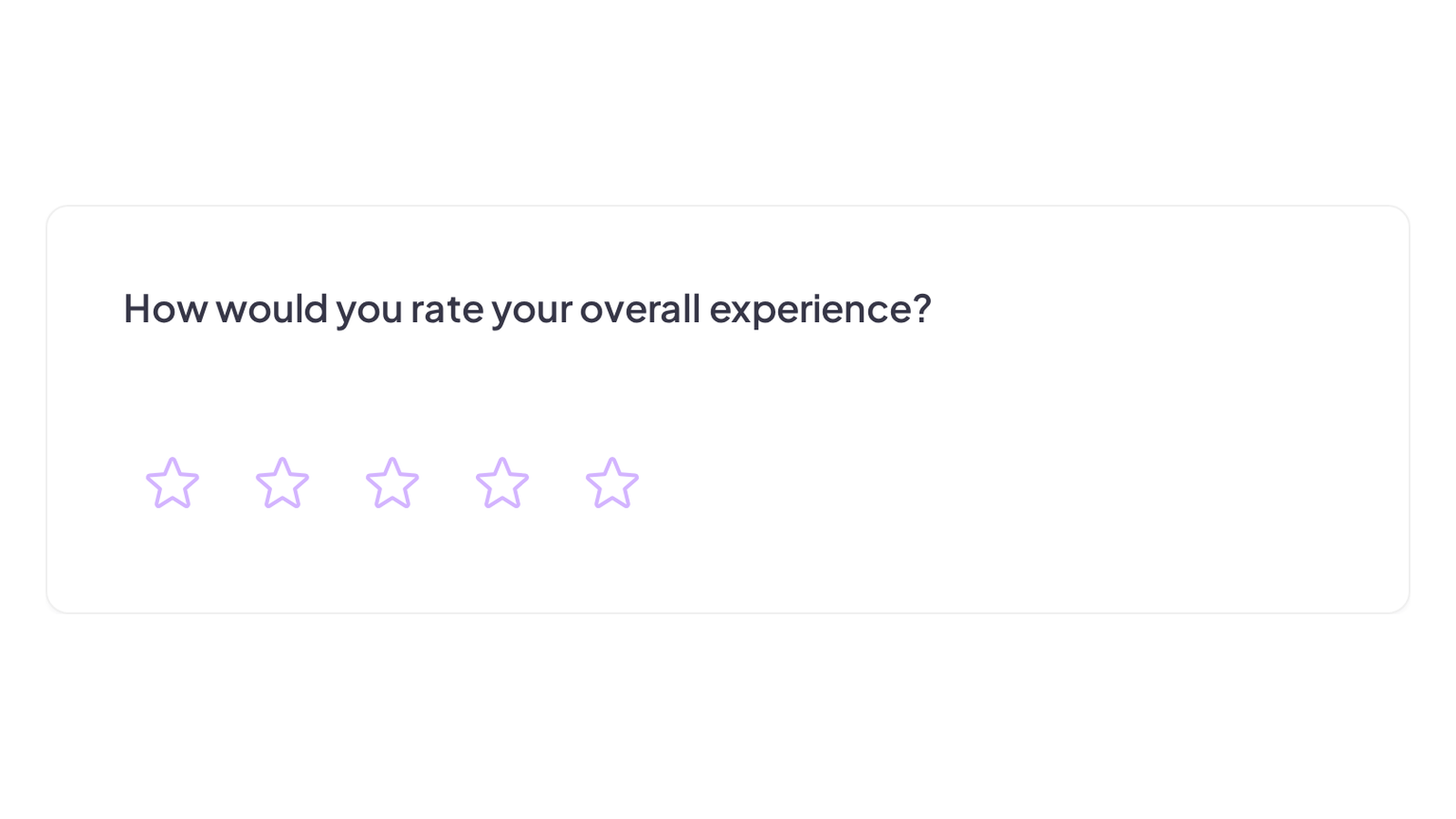
A quick star or icon rating for fast feedback.

Create a rating question
Star rating question in an AhaSlides survey
Rating scale

Rating scale

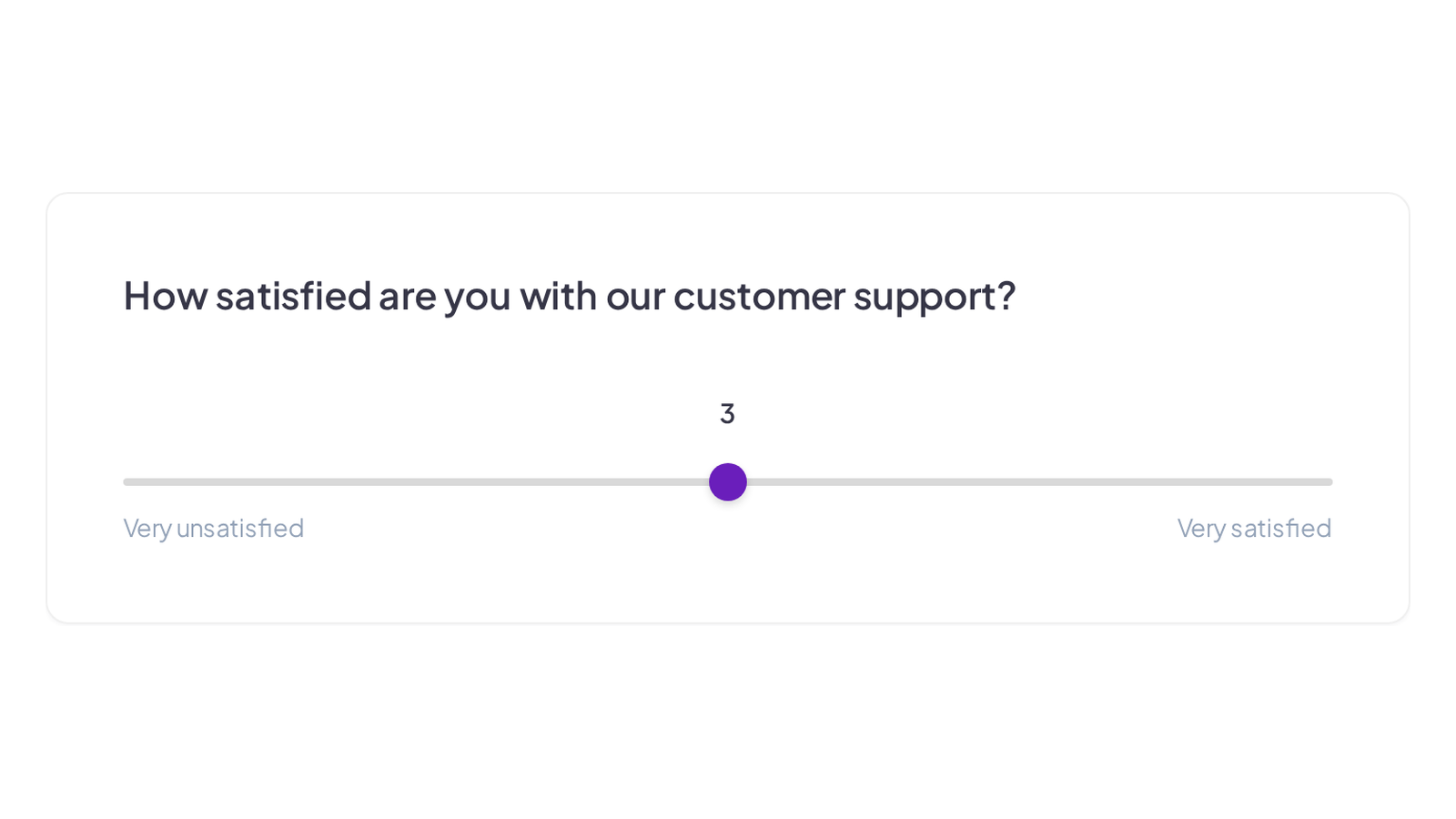
A numbered scale for measuring strength of opinion.

Create a rating scale question
Rating scale question in an AhaSlides survey
Ranking

Ranking

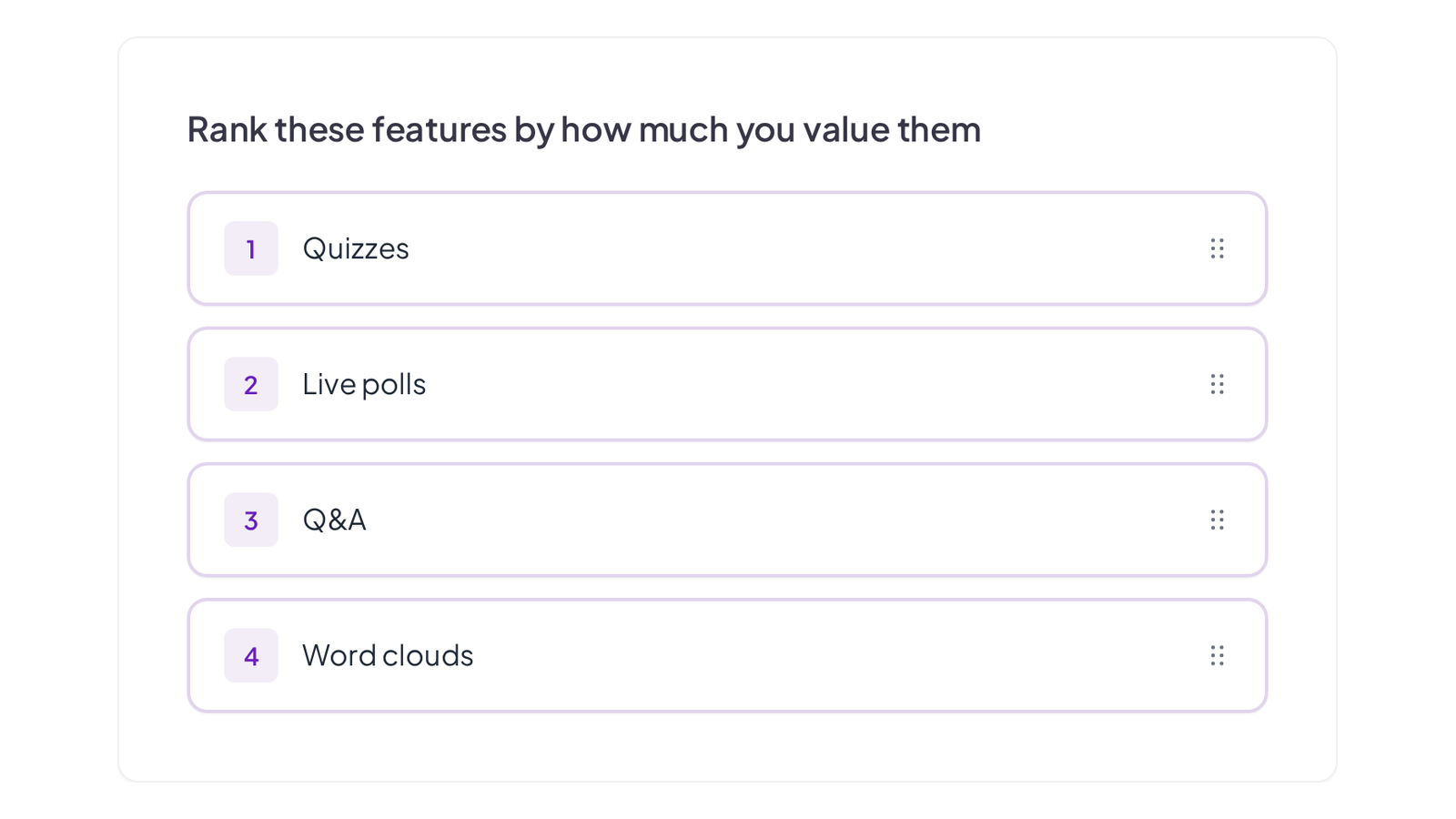
Respondents drag the options into their preferred order.

Create a ranking question
Ranking question in an AhaSlides survey
Multiple choice

Multiple choice

A single or multi-select question with your own options.

Create a multiple choice question
Multiple choice question in an AhaSlides survey
Matrix

Matrix

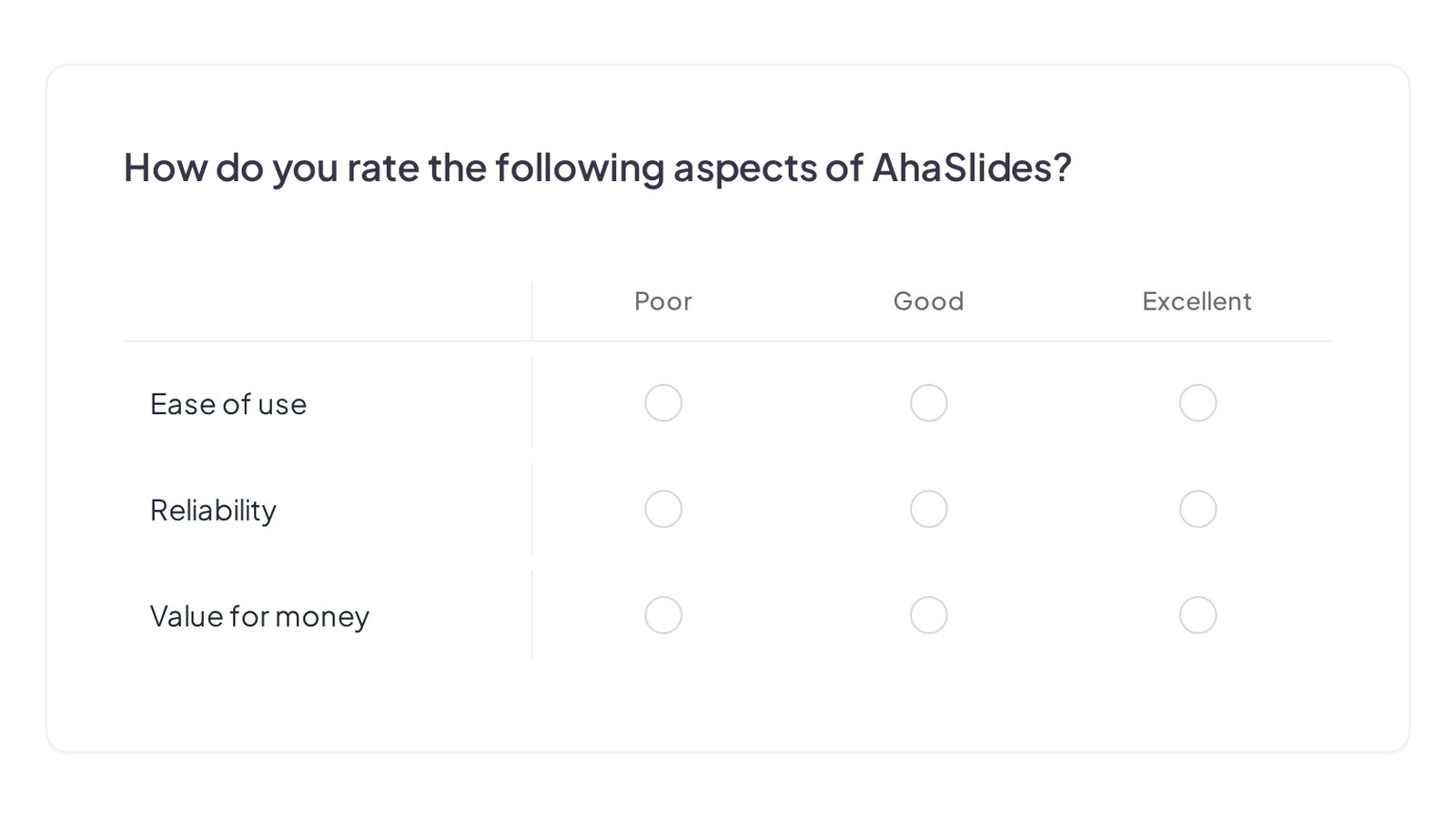
Rate several items against the same set of options in one grid.

Create a matrix question
Matrix question in an AhaSlides survey
Date

Date

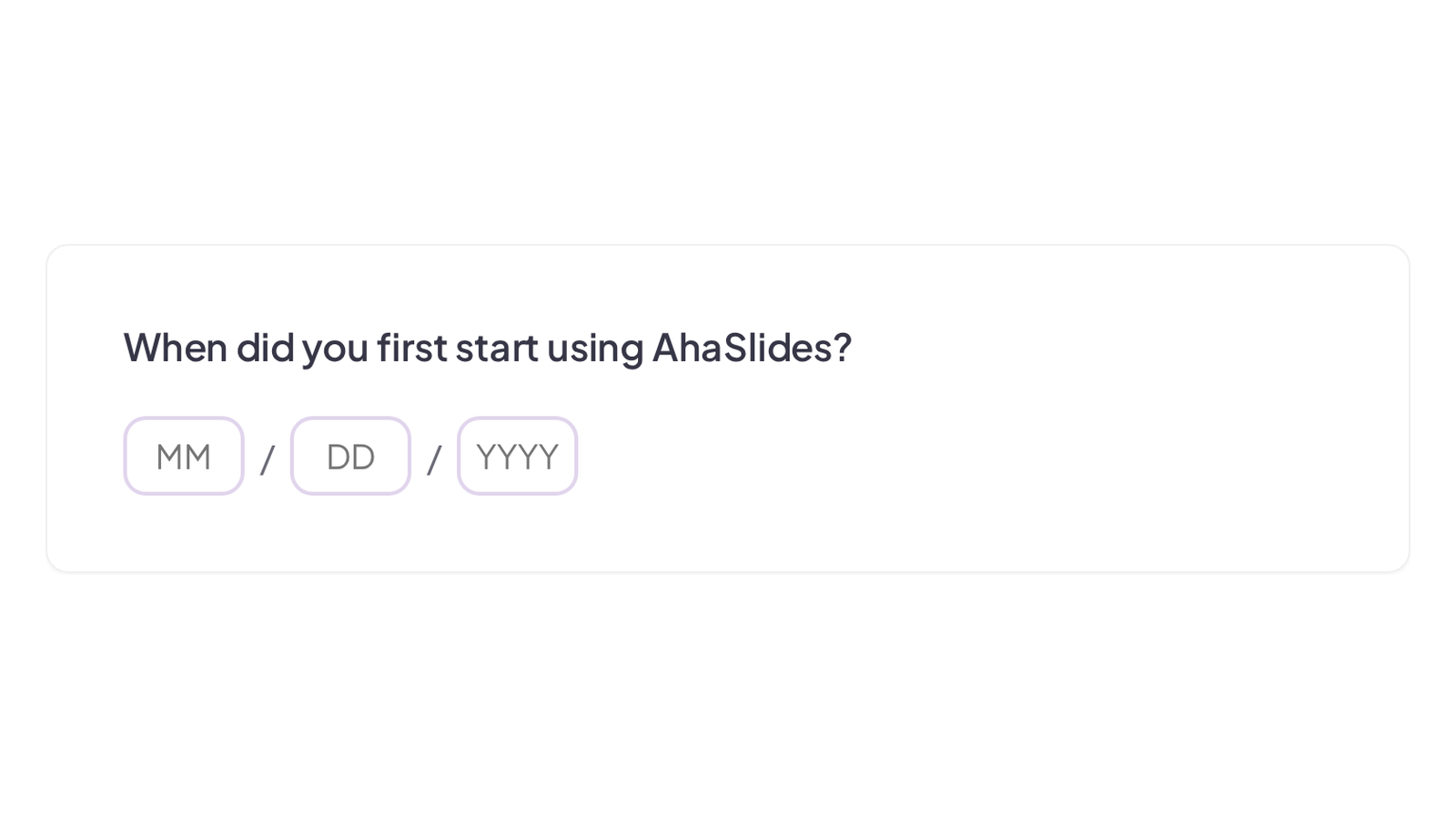
Ask for a specific date with a proper date picker.

Create a date question
Date question with a date picker in an AhaSlides survey
Contact information

Contact information

Collect name, email and other contact details in one structured block.

Create a contact information question
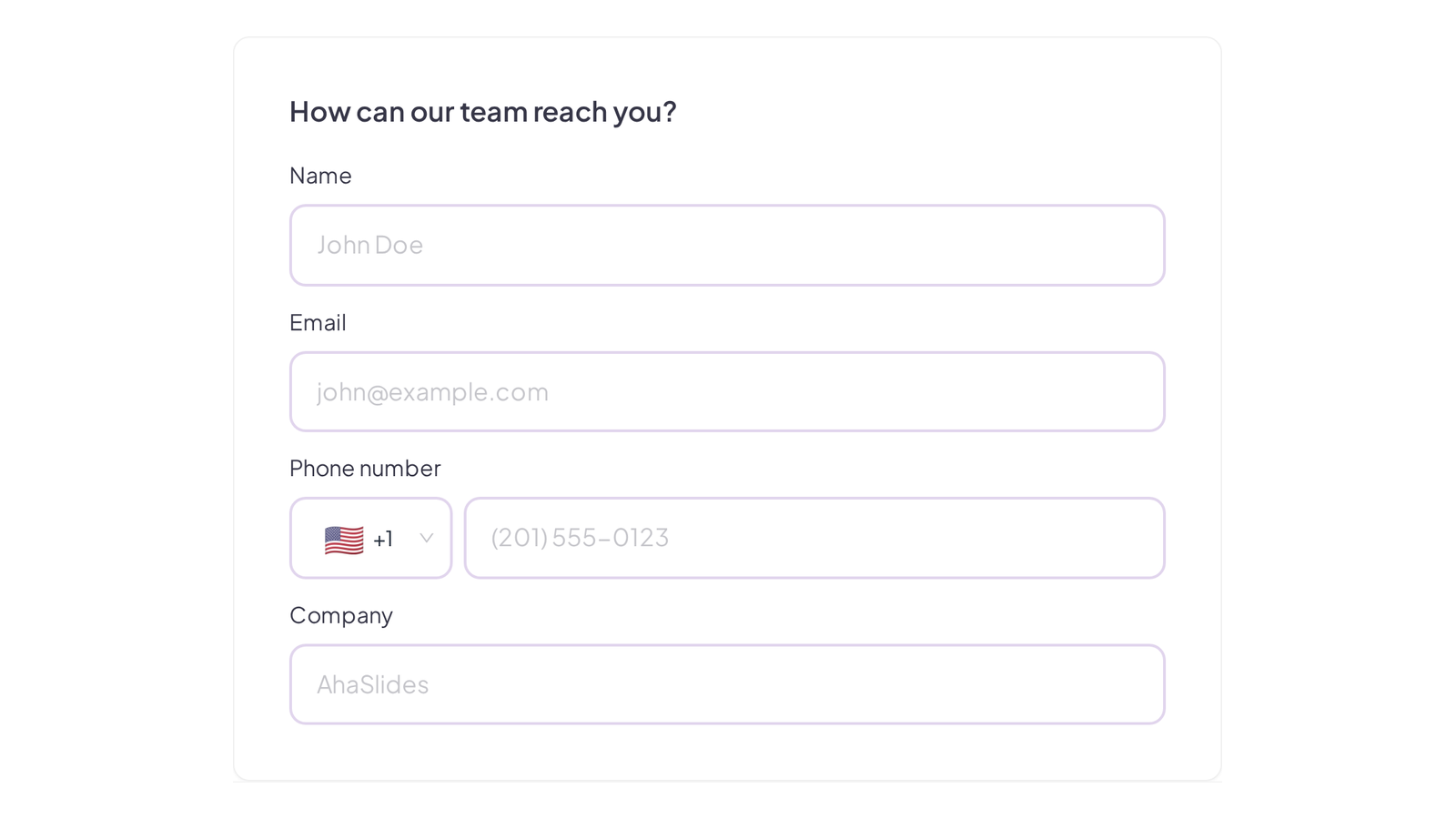
Contact information block in an AhaSlides survey
Google Slides

Google Slides

Bring an existing Google Slides deck in and present it alongside your interactive slides.

Create a Google Slides slide
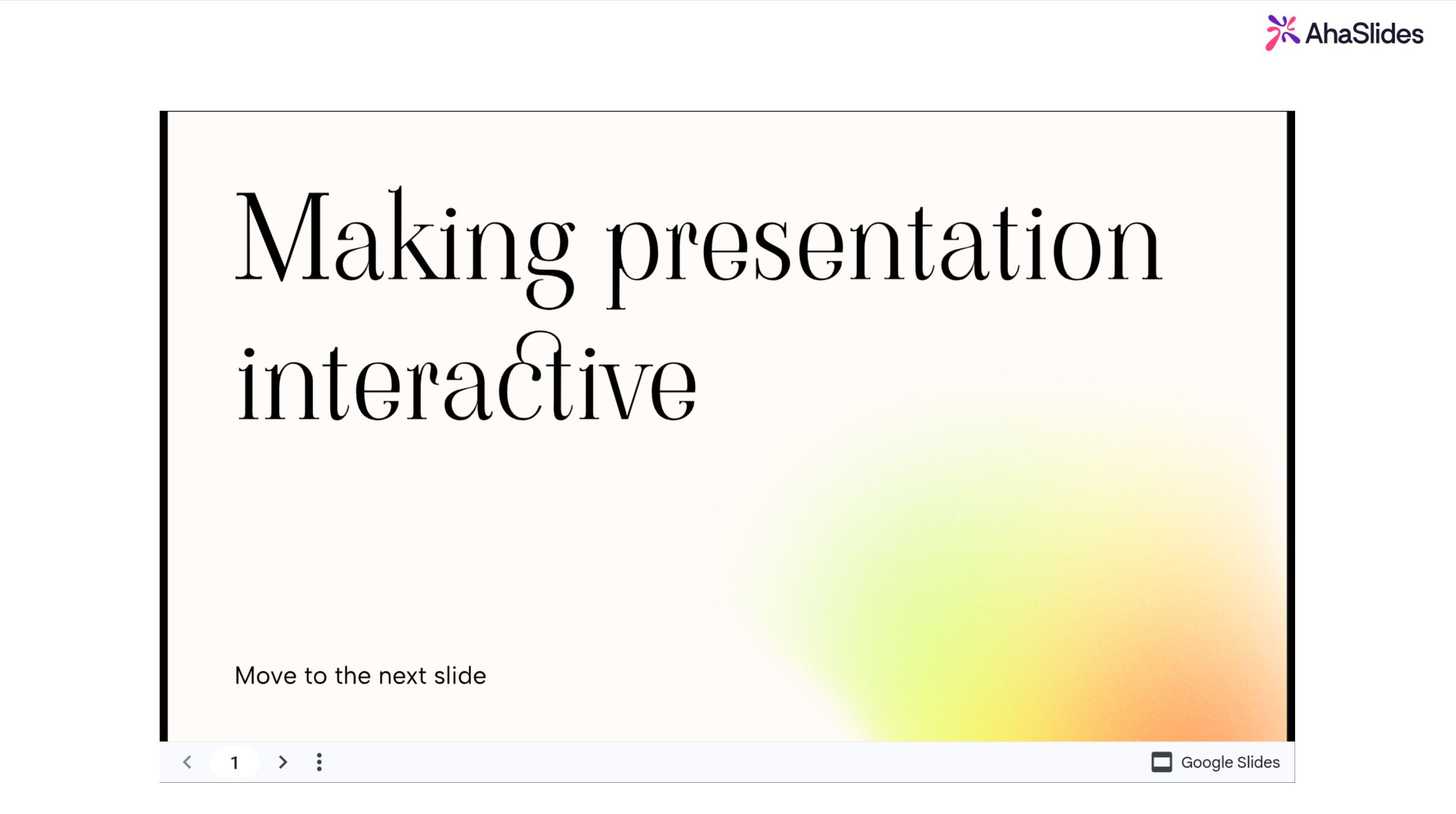
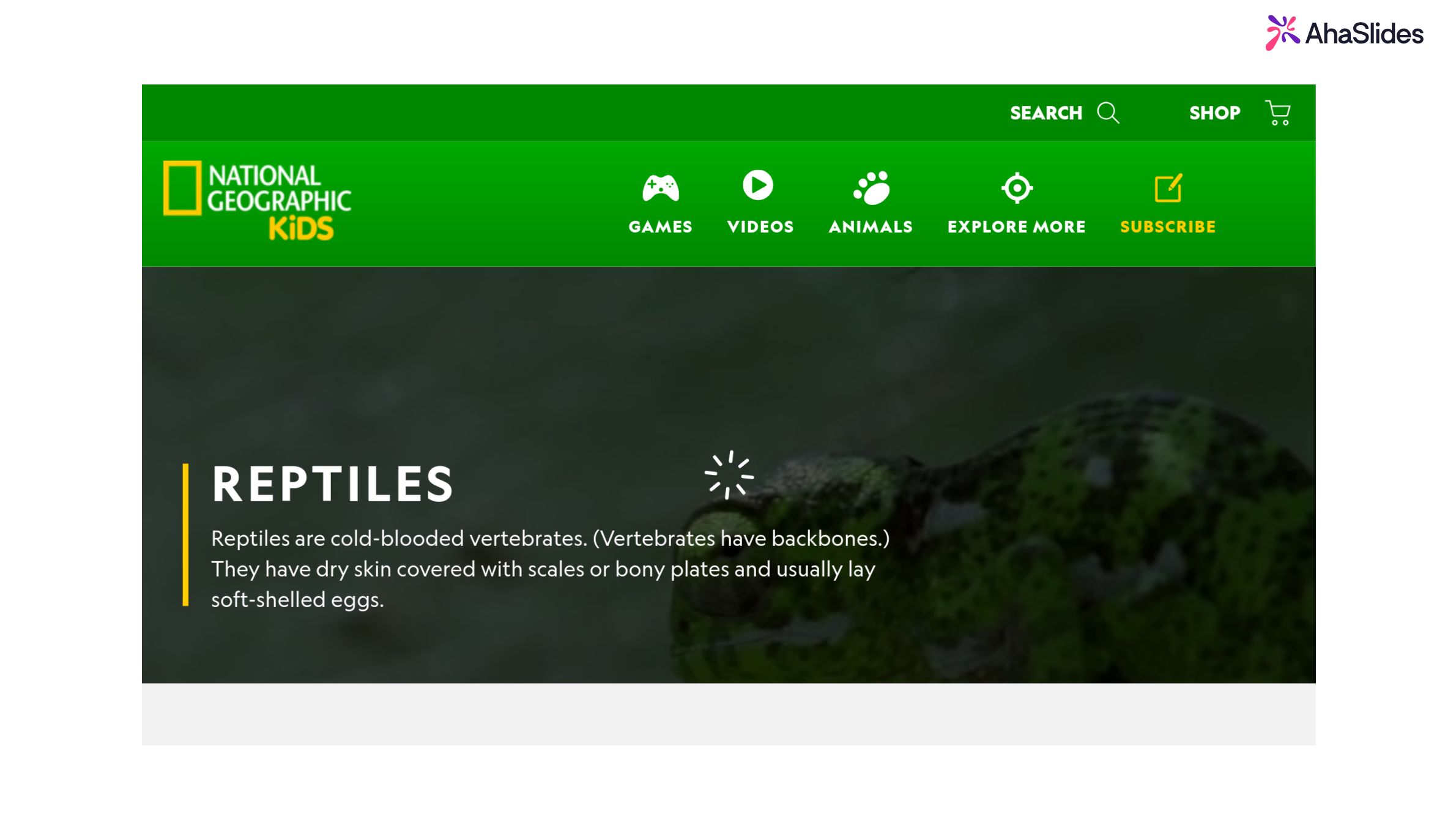
Google Slides deck presented in AhaSlides
Embed

Embed

Drop in any embeddable web content via iframe.

Create an embed slide
Embedded web content on an AhaSlides slide
YouTube

YouTube

Embed a YouTube video and play it without leaving your deck.

Create a YouTube slide
YouTube video playing on an AhaSlides slide
QR Code

QR Code

Show a scannable code so people can jump straight to your presentation.

Create a QR code slide
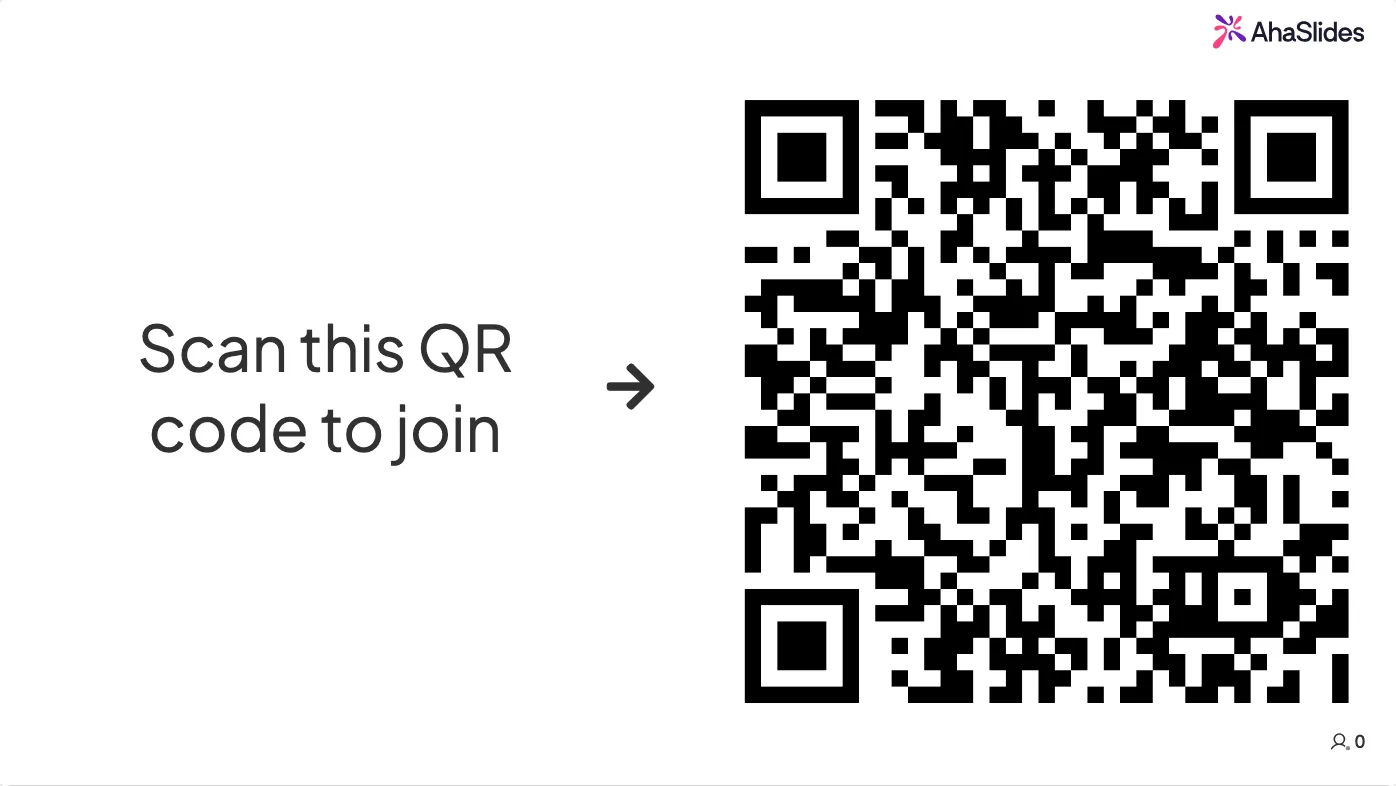
QR code join screen on an AhaSlides slide
Image

Image

A full-bleed image slide for when the visual is the message.

Create an image slide
Full-bleed image slide in AhaSlides
Content v2

Content v2

The rebuilt content slide with more flexible layout options.

Create a content slide
Content v2 slide with layout blocks in AhaSlides
Diagram

Diagram

Show a process, flow or relationship visually instead of describing it.

Create a diagram
Flowchart diagram on an AhaSlides slide
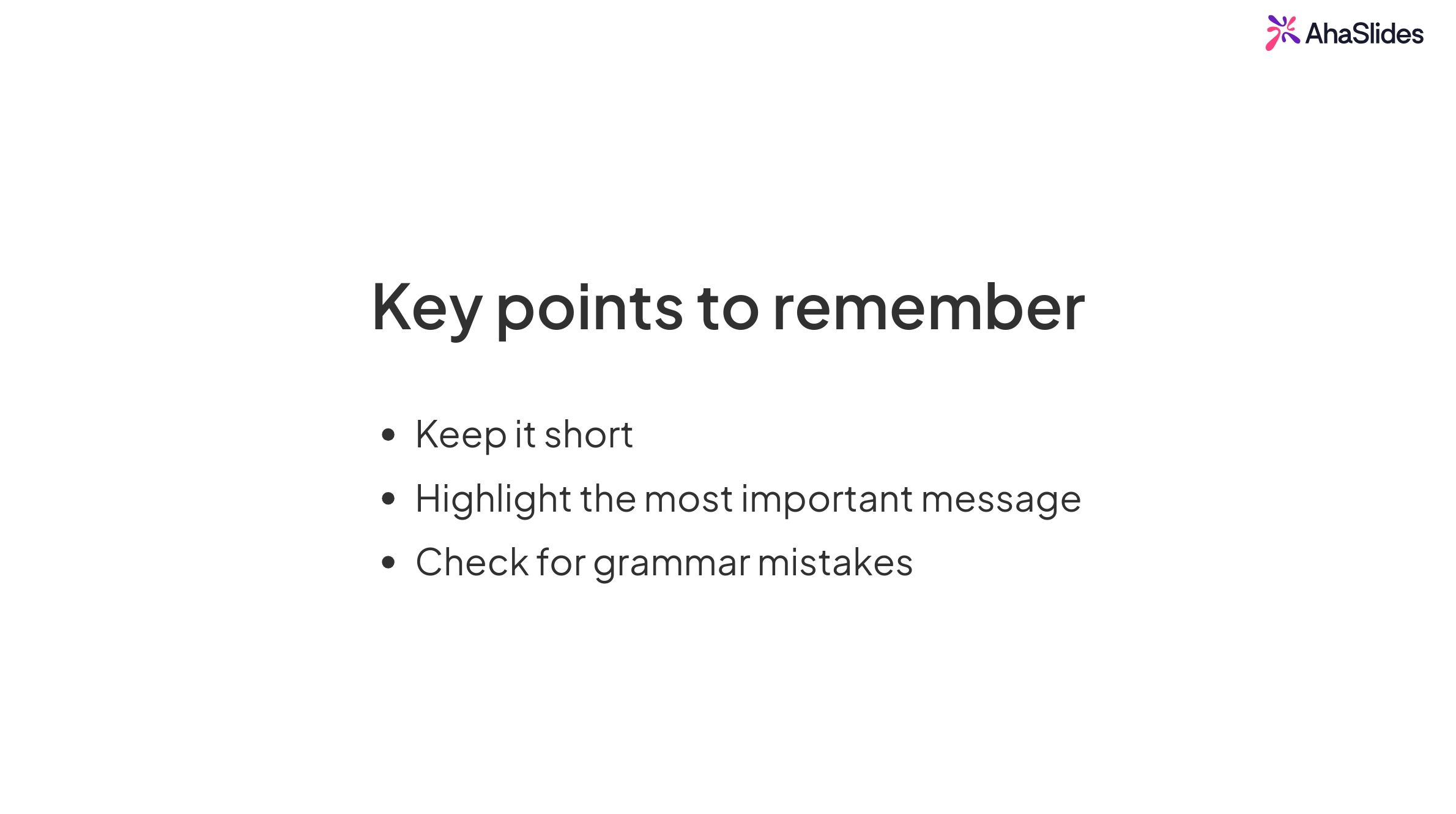
List

List

Present your points as a clean, readable list.

Create a list slide
List slide in an AhaSlides presentation
Heading

Heading

A large title slide to open a section or mark a change of topic.

Create a heading slide
Title slide in an AhaSlides presentation
Content

Content

A standard slide for text and media, to frame the interactive parts around it.

Create a content slide
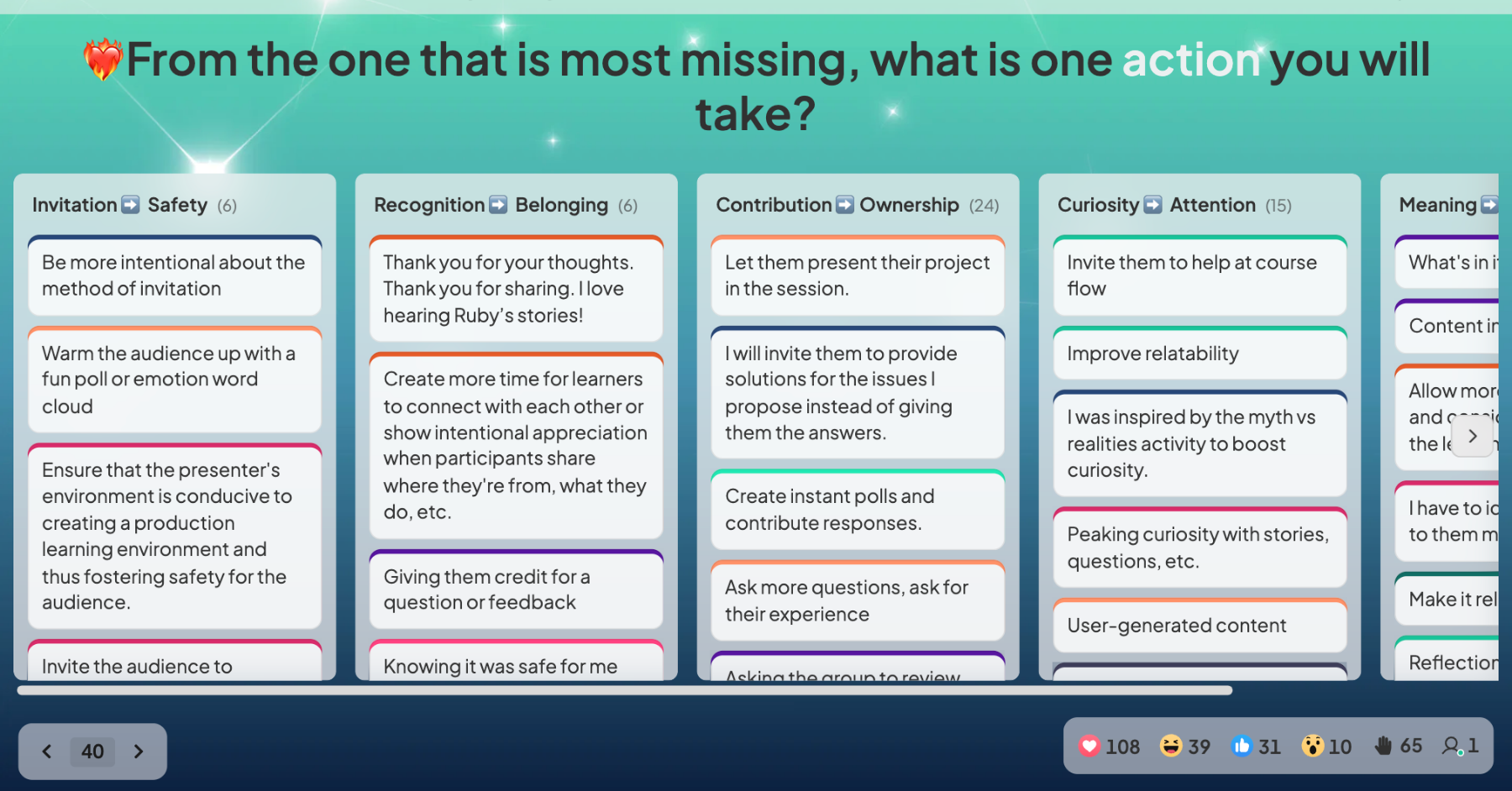
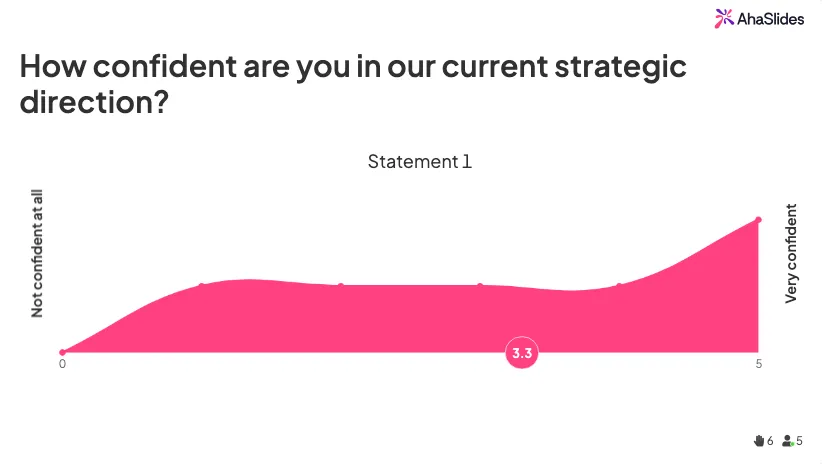
Content slide from a live AhaSlides webinar
Rating Scale

Rating Scale

Capture how strongly people feel, not just yes or no.

Create a rating scale
Live rating scale poll results in AhaSlides
Pin on Image

Pin on Image

Upload any image and let your audience drop a pin. Run live image polls and see results instantly.

Try Pin on Image for free

AhaSlides Pin on Image slide with audience pins dropped on an image
Idea Board

Idea Board

Ideas go up as cards, get grouped into themes and voted on in real time.

Create an idea board
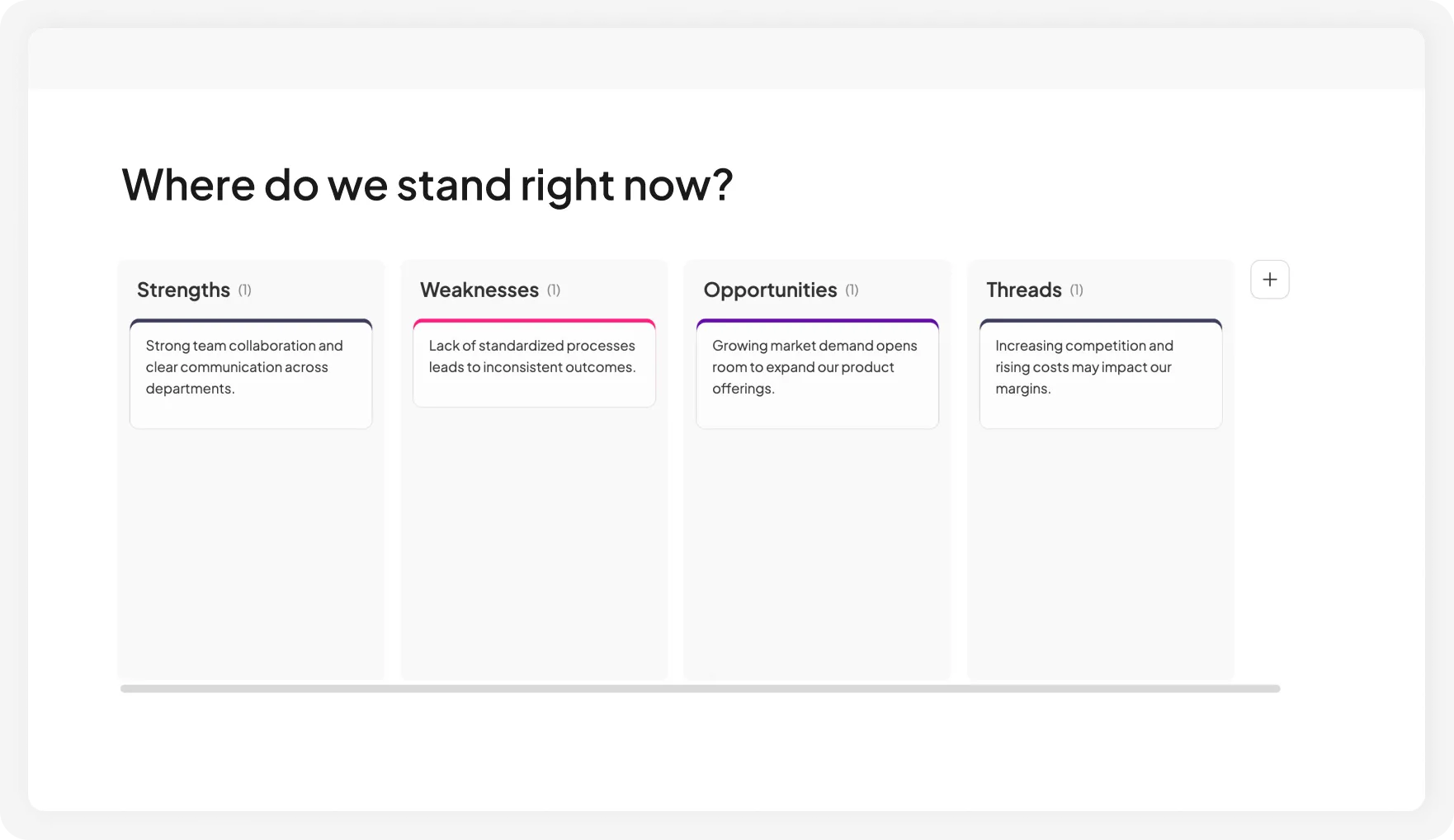
Idea board with ideas grouped into themes
Brainstorm

Brainstorm

Everyone submits ideas at once, then the room votes on which ones are worth doing.

Create a brainstorm
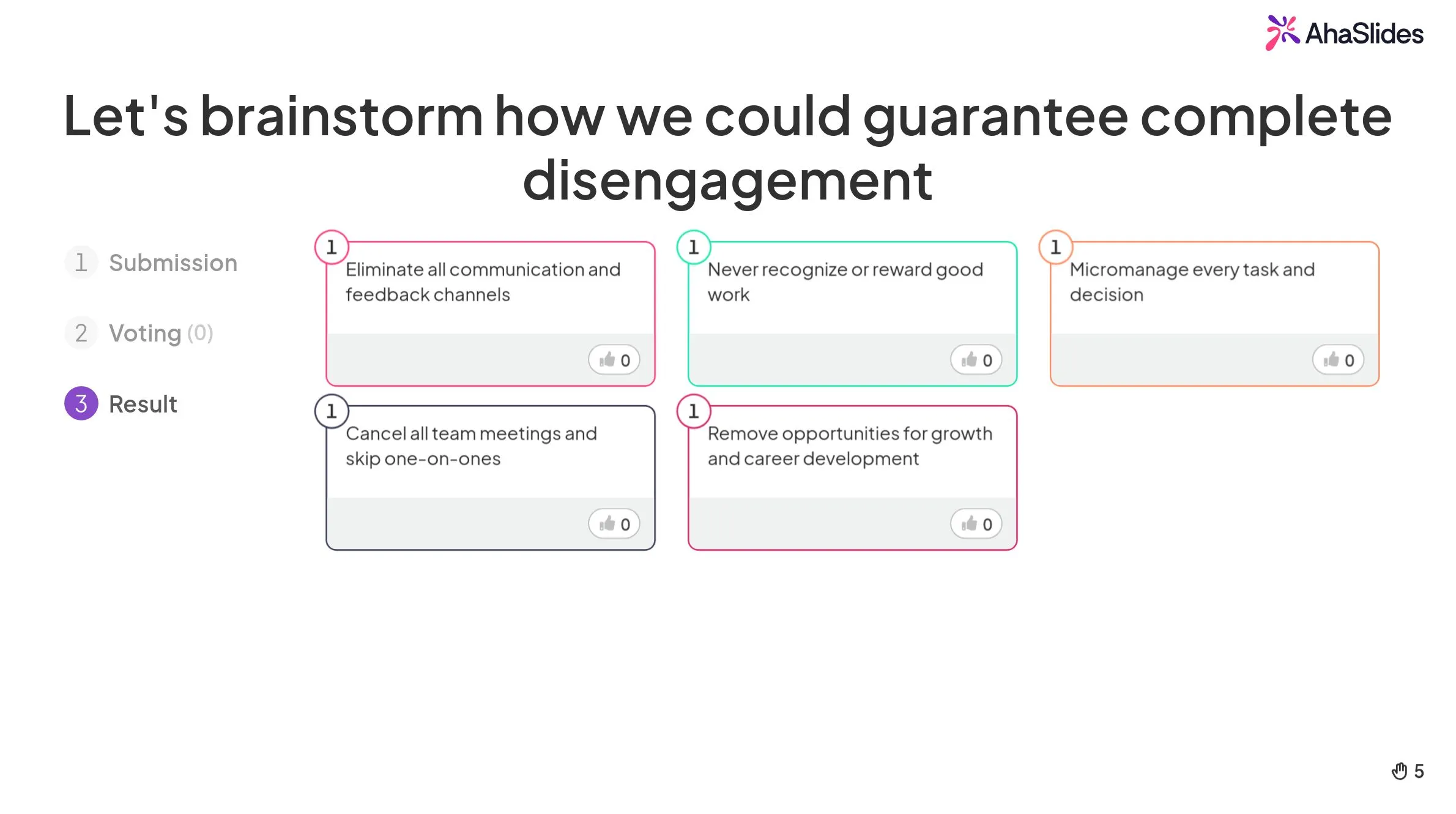
Brainstorm slide with audience ideas in AhaSlides
Survey

Survey

Display several questions in one page for the audience to complete without needing to switch tabs.

Create a survey
Survey slide inside an AhaSlides presentation
Ranking

Ranking

Everyone drags the options into their own order, and you see what the room really values.

Create a ranking poll
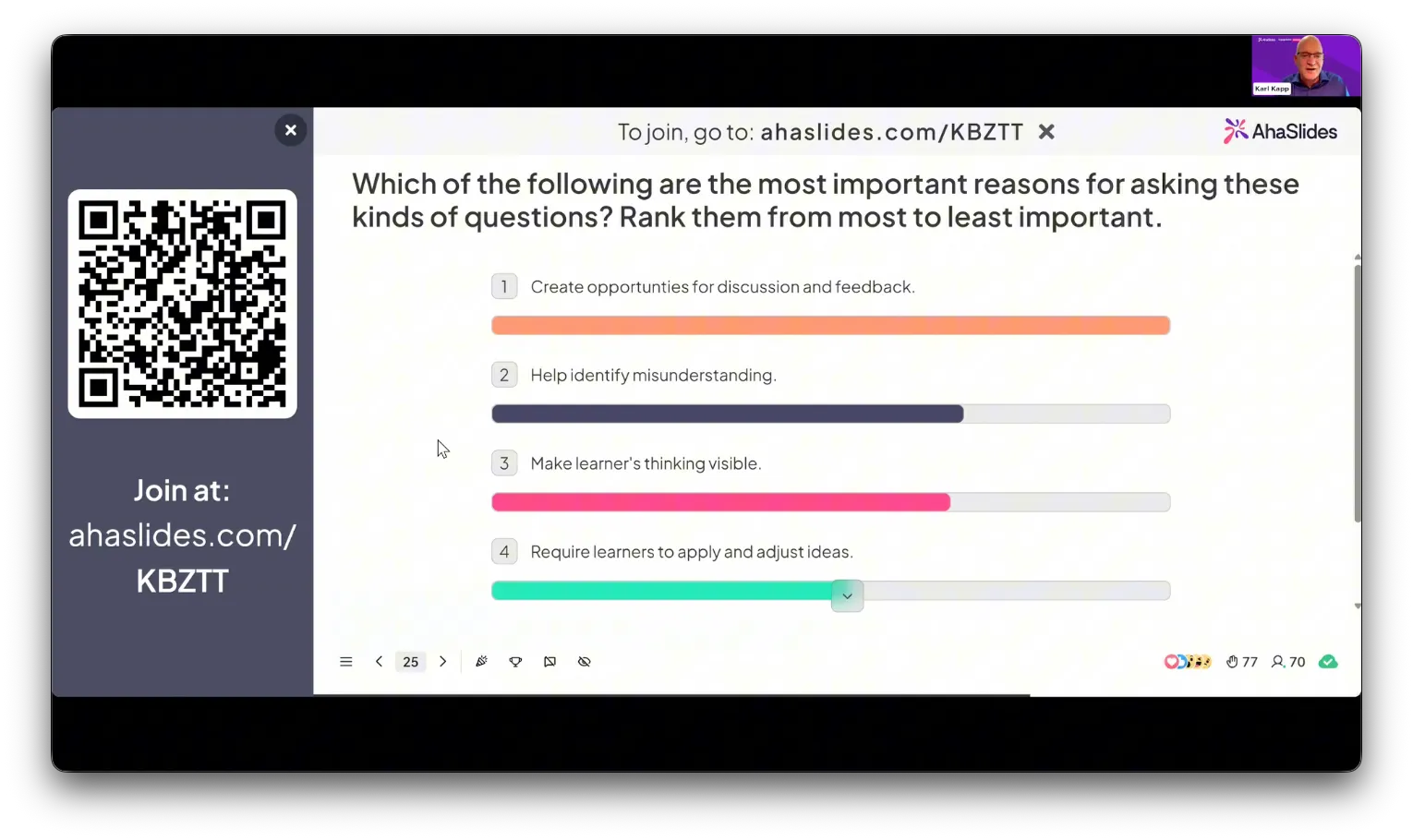
AhaSlides ranking poll results from a live webinar
Draw Answer

Draw Answer

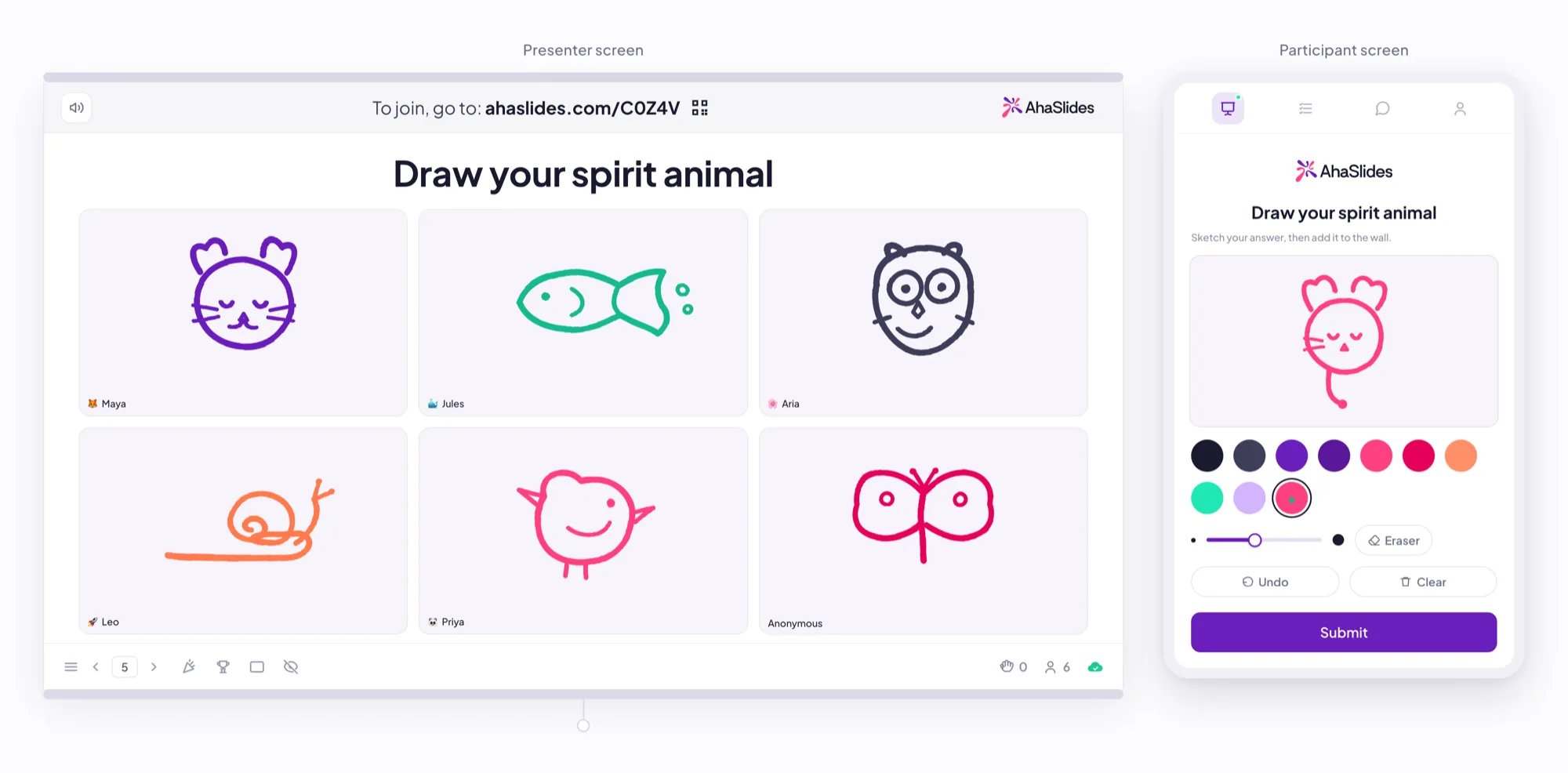
Let participants sketch their answers directly from their phones

Try it for free
Draw Answer slide with audience sketches
Word Cloud

Word Cloud

Turn a room full of thoughts into one picture. Your audience types a word on their phone, and the ideas they share most swell to the center of the screen

Create a word cloud
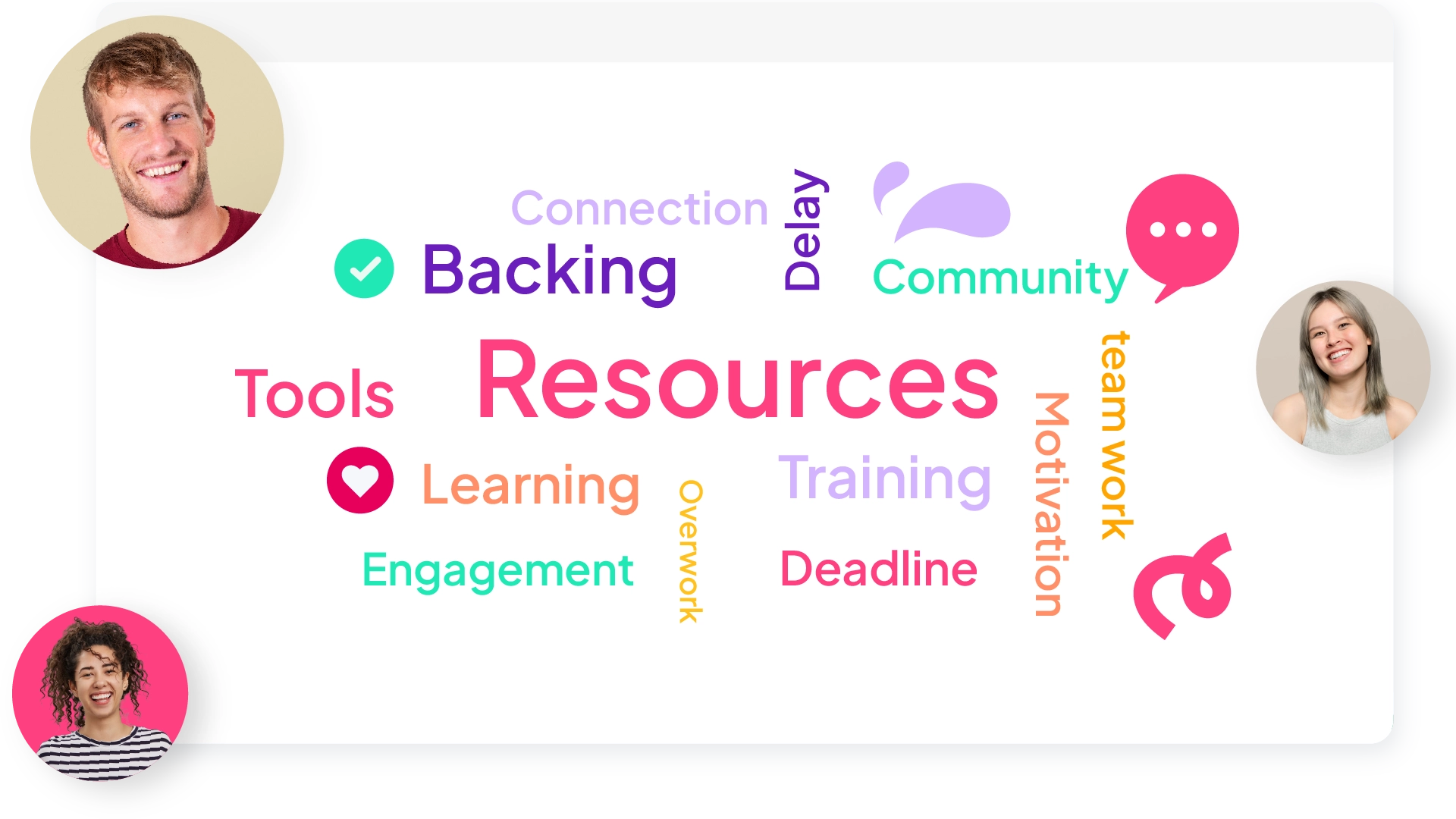
A live word cloud with the people behind the answers
Open Ended

Open Ended

Collect free-text answers from everyone and show them on screen as they arrive.

Create an open ended question
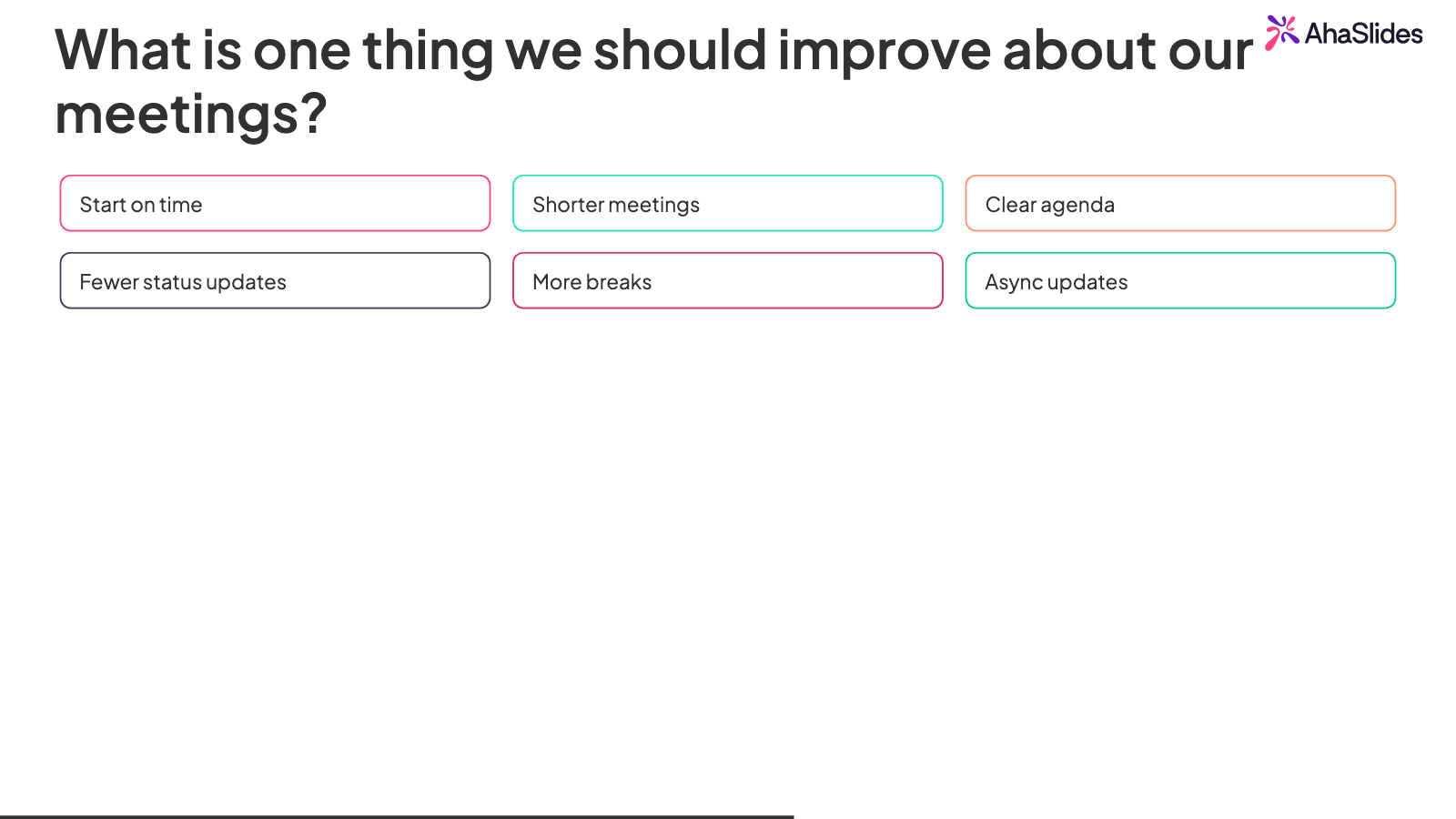
Open-ended answers on an AhaSlides slide
Poll

Poll

Ask a multiple choice question and watch the bars fill in live. No points, no pressure.

Create a poll
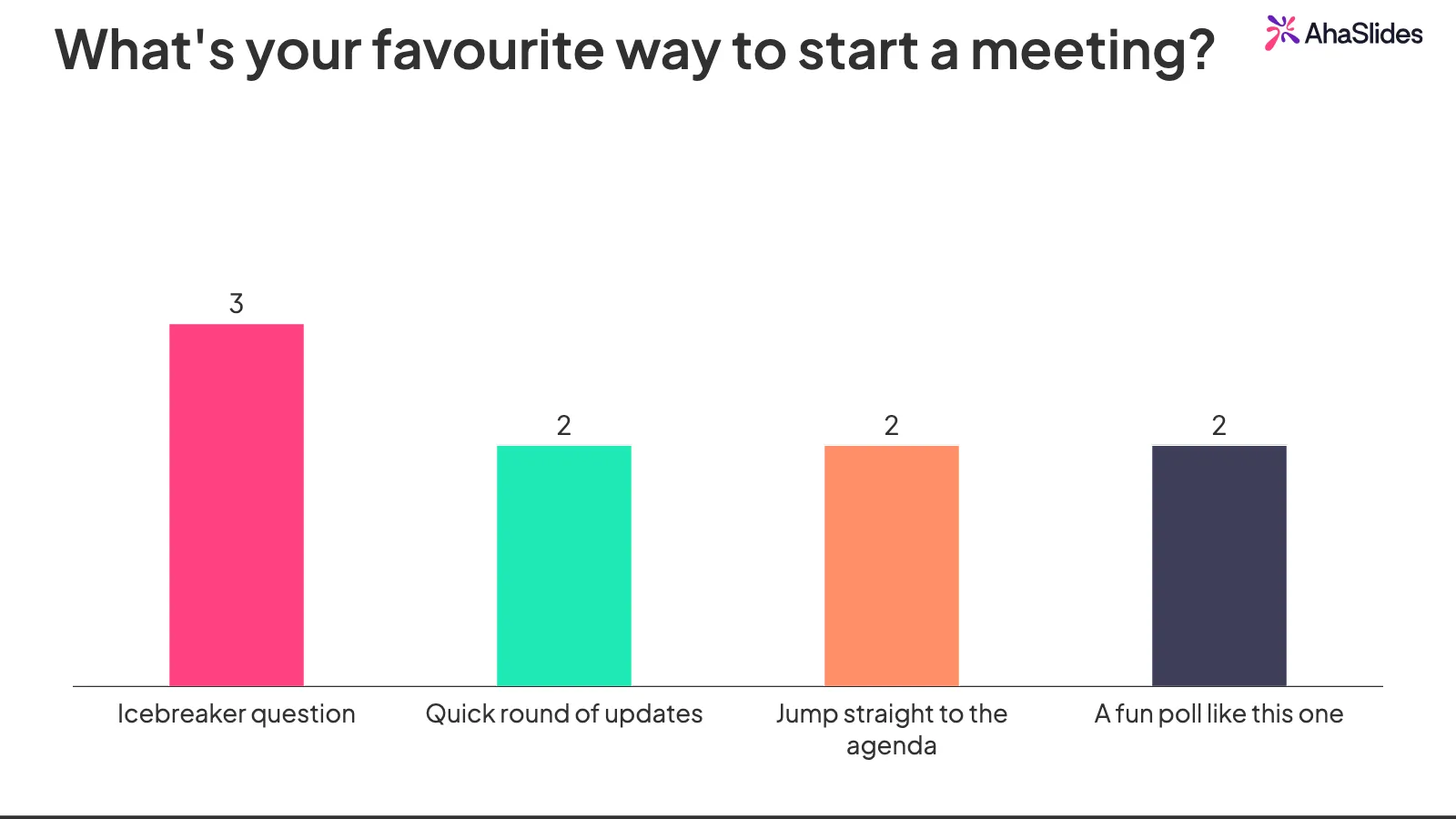
Live poll results bar chart in AhaSlides
Categorise

Categorise

Players sort items into the right buckets. Good for grouping concepts under themes.

Create a categorise quiz
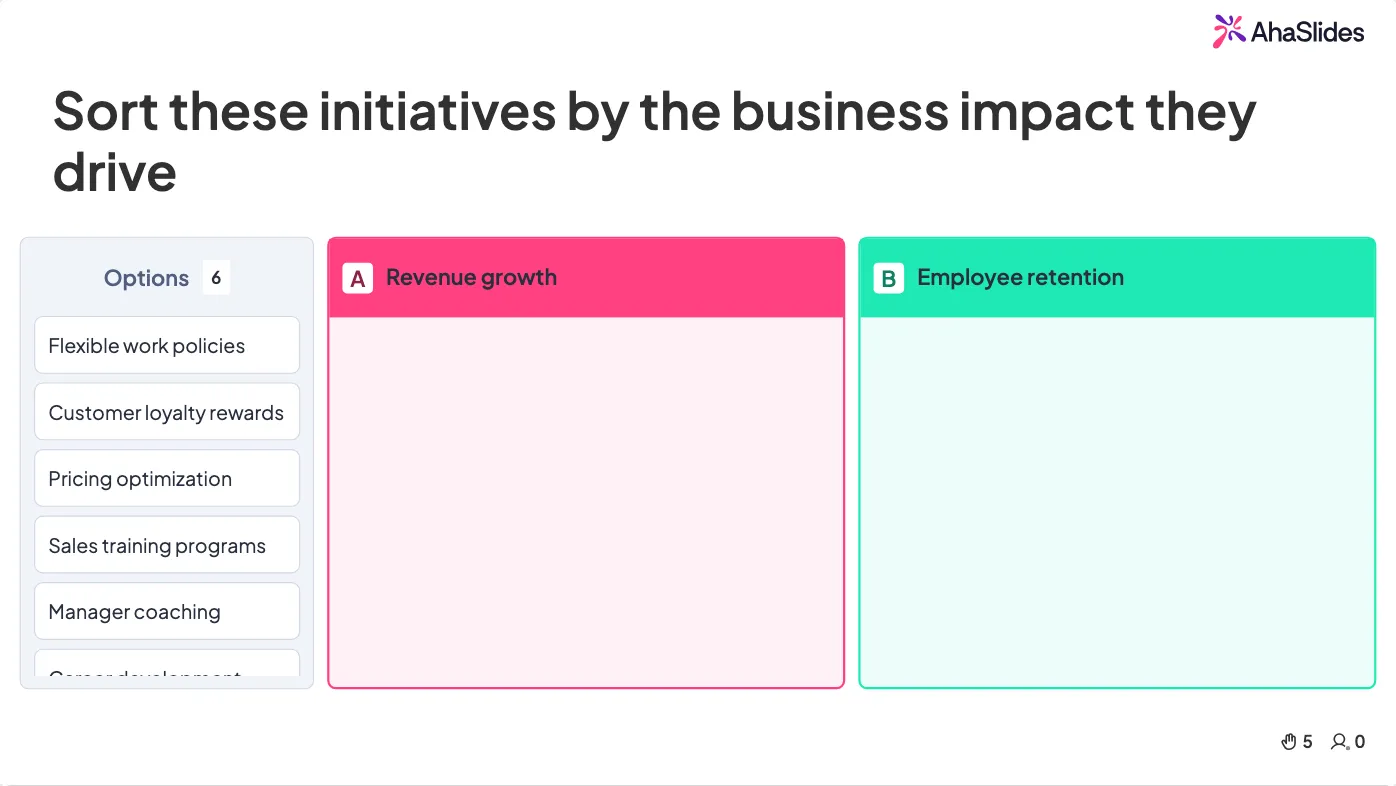
Categorise quiz sorting business initiatives
Correct Order

Correct Order

Players drag items into the right sequence. Ideal for steps, timelines and priorities.

Create a correct order quiz
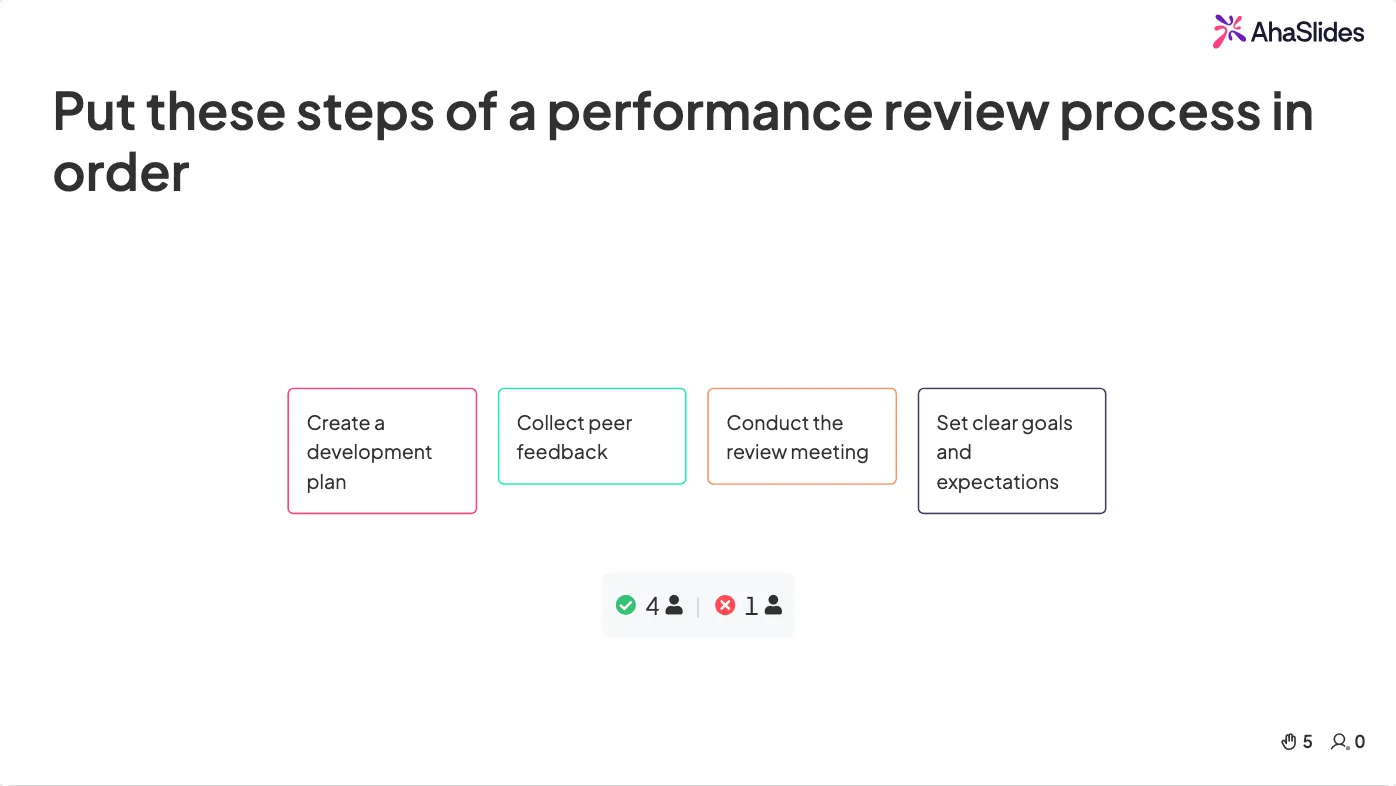
Correct order quiz on performance review steps
Match Pairs

Match Pairs

Players connect items across two columns. Great for terms and their definitions.

Create a match pairs quiz
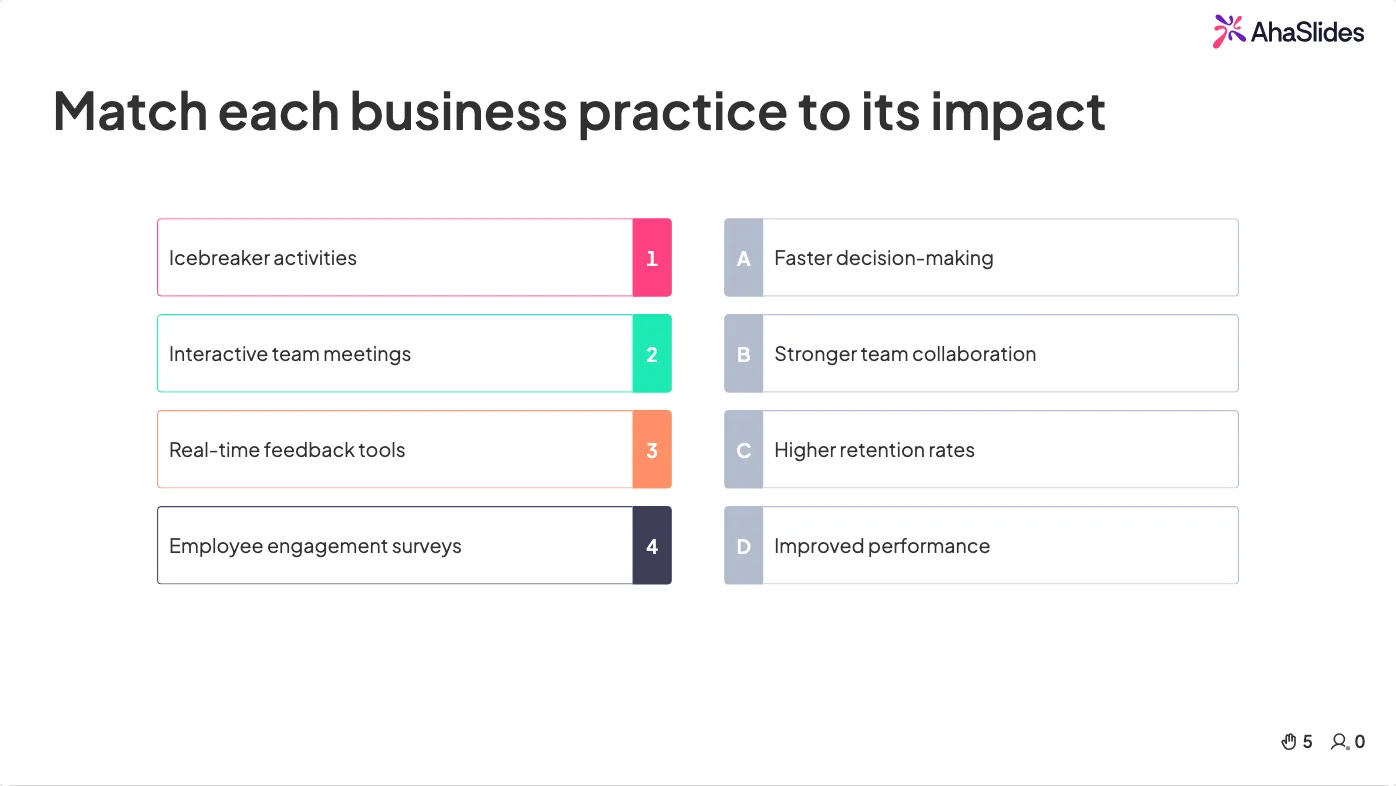
Match pairs quiz on business impacts
Spinner Wheel

Spinner Wheel

Spin to land on a random entry. Pick a winner, a topic, or who answers next.

Create free spinner wheels
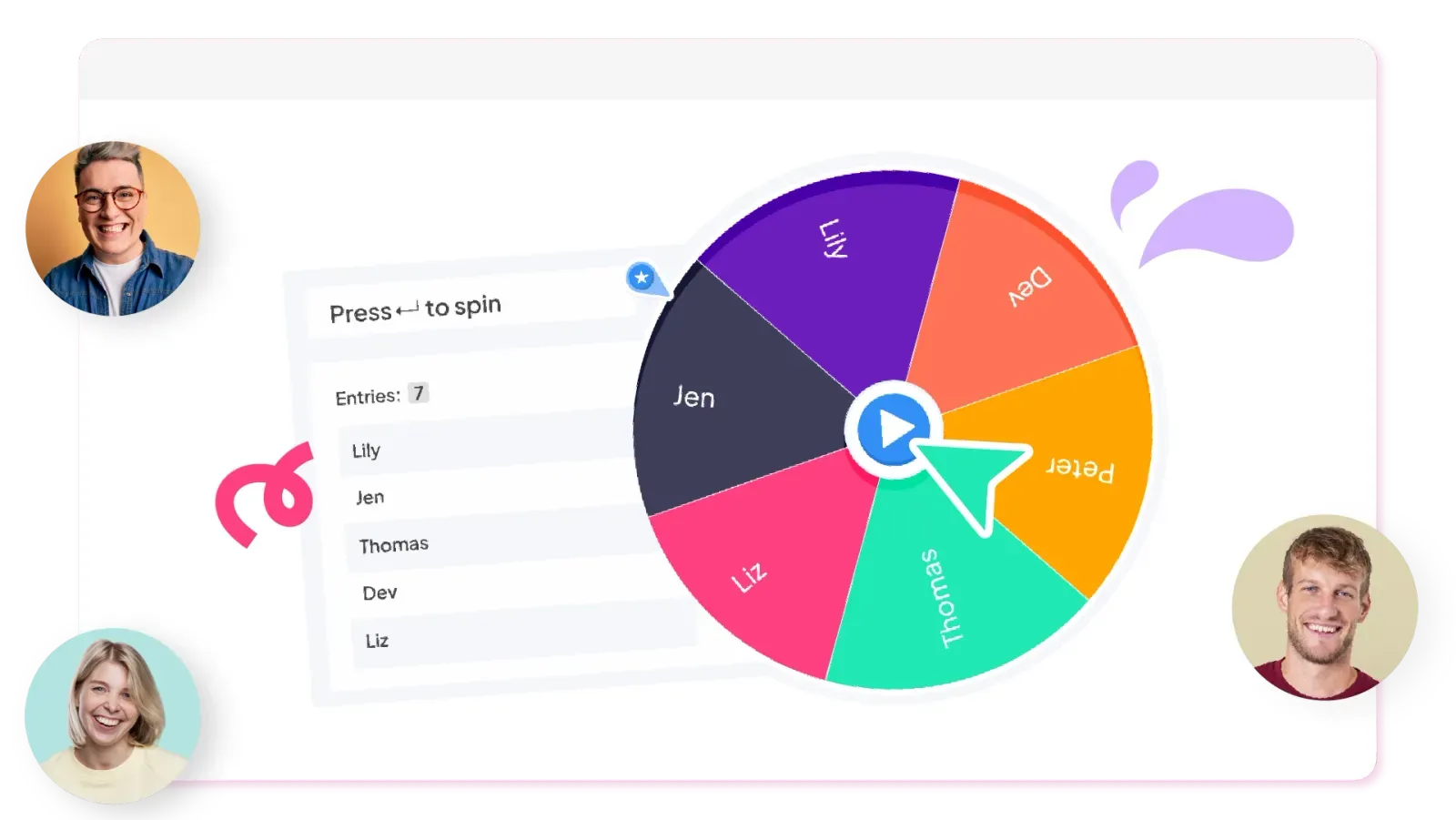
AhaSlides spinner wheel picking a random name live
Short Answer

Short Answer

Players type the answer themselves. Accepts alternative spellings and scores automatically.

Create a short answer quiz
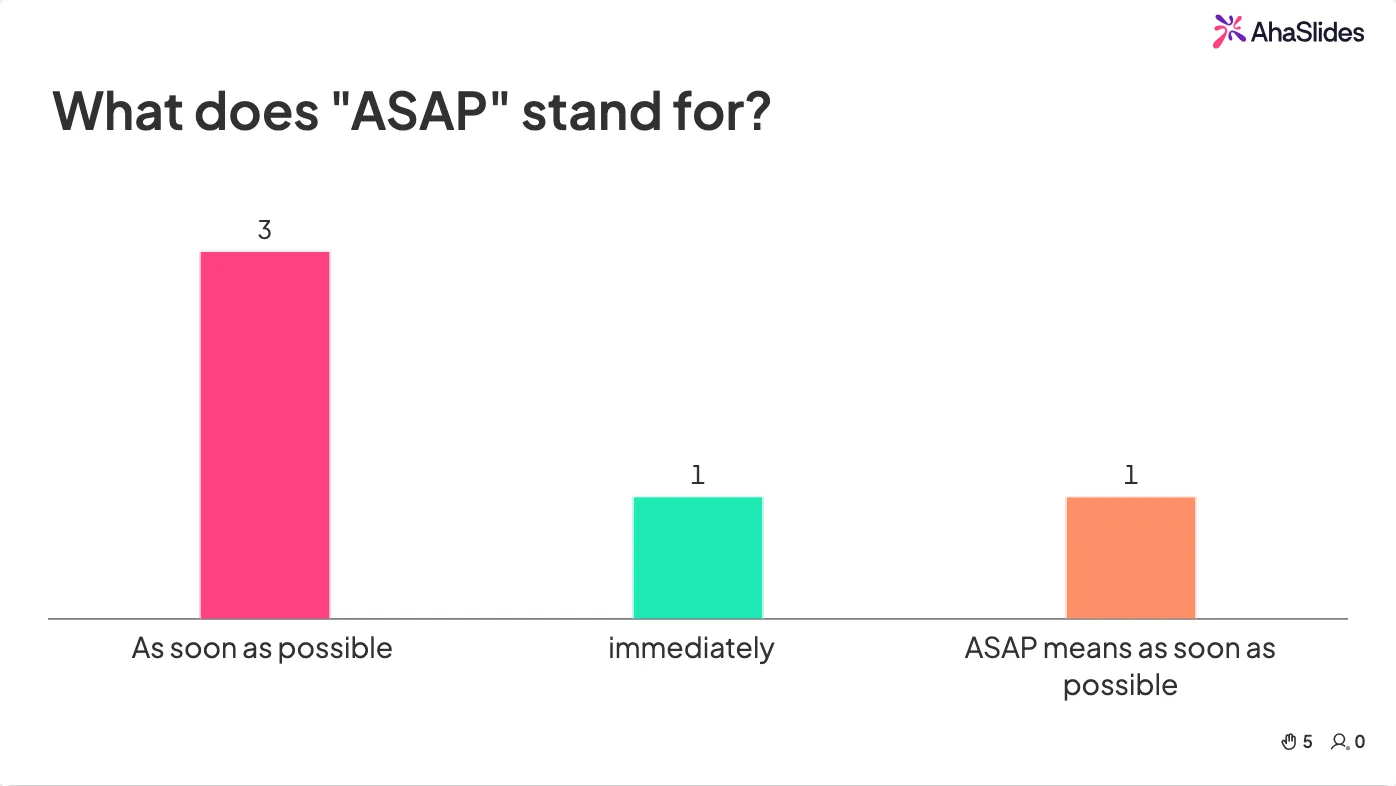
short answer quiz slide
Pick Answer

Pick Answer

A multiple choice quiz with points and a timer. Players pick the right option and climb the leaderboard.

Create a quiz
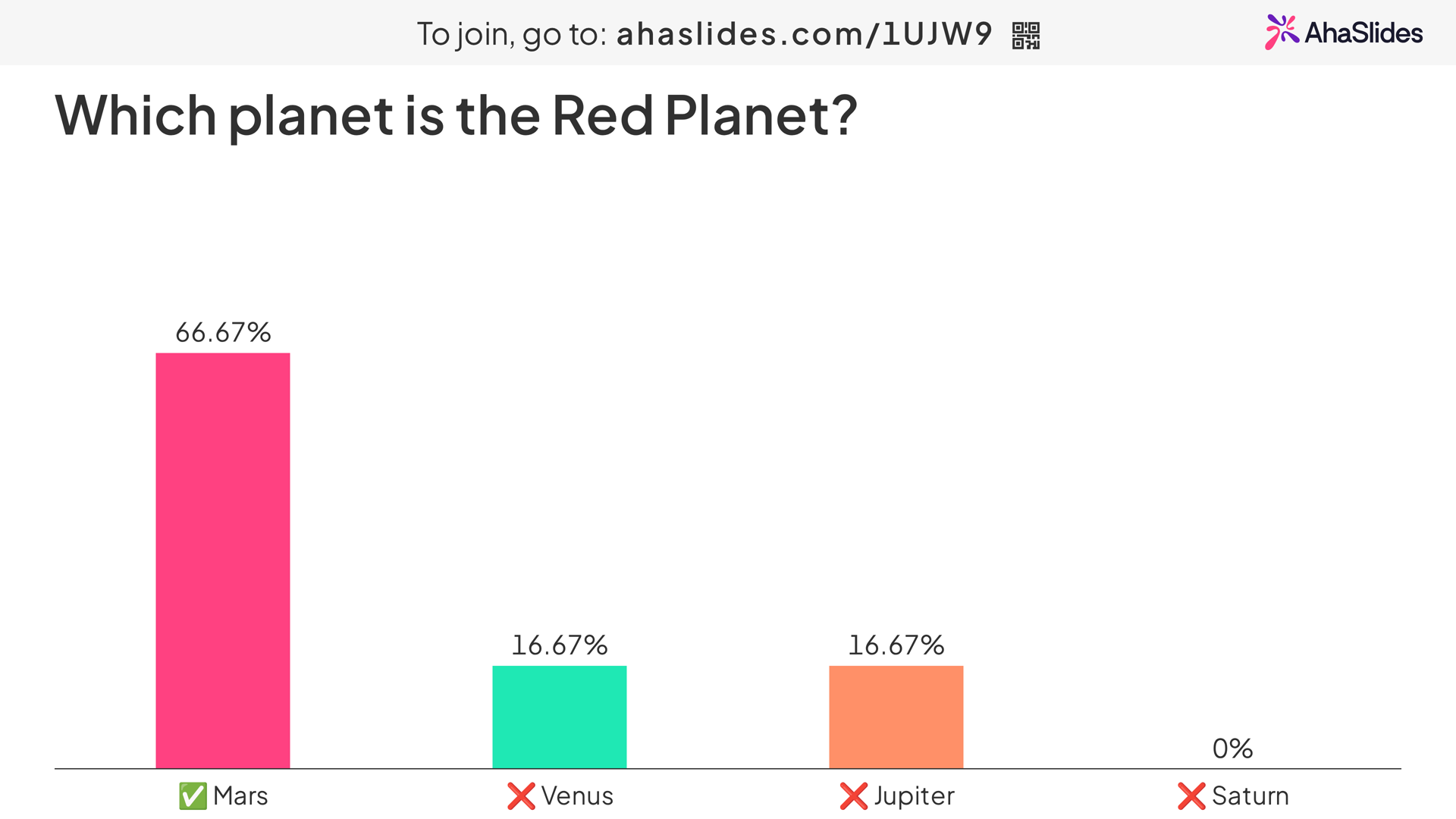
Multiple choice quiz answer reveal in AhaSlides
Abu Dhabi University logo
Airbus logo
Bend La Pine Schools logo
BMC logo
Bosch logo
Criteo logo
Ferrero Rocher logo
Intel logo
Ivy Tech Community College logo
Le Quiz Show logo
Abu Dhabi University logo
Airbus logo
Bend La Pine Schools logo
BMC logo
Bosch logo
Criteo logo
Ferrero Rocher logo
Intel logo
Ivy Tech Community College logo
Le Quiz Show logo

Built for busy presenters

Beat creative blocks: AI presentation makers helps create slides and questions from scratch using a simple prompt.
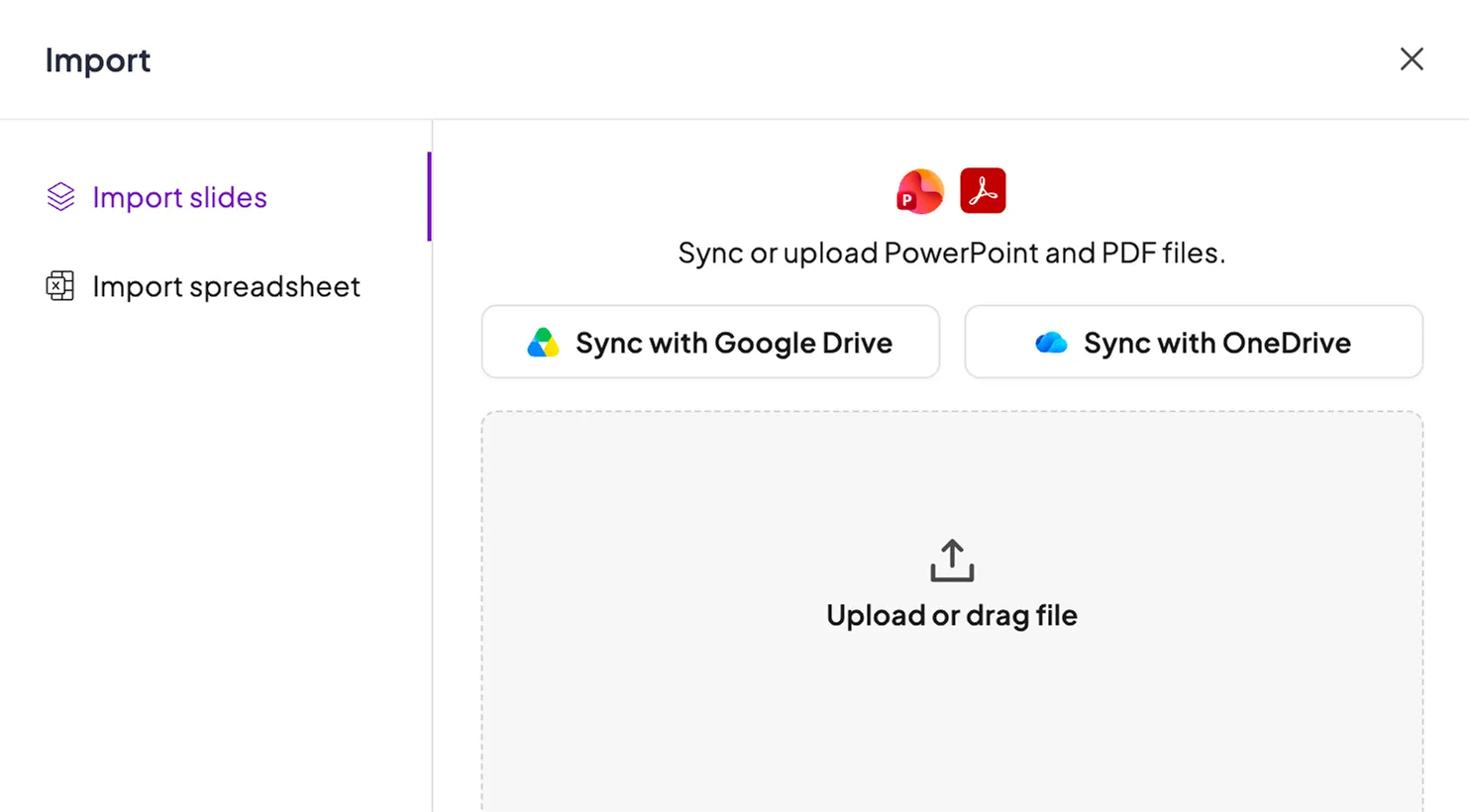
Upload PDFs, PowerPoints, Word docs, or Excel files. AI will build a complete presentation or generate questions based on your content.
Get started
Built for busy presenters

Built for busy presenters

Beat creative blocks: AI presentation makers helps create slides and questions from scratch using a simple prompt.
Upload PDFs, PowerPoints, Word docs, or Excel files. AI will build a complete presentation or generate questions based on your content.
Try the AI builder

Built for busy presenters

Beat creative blocks: AI presentation makers helps create slides and questions from scratch using a simple prompt.
Upload PDFs, PowerPoints, Word docs, or Excel files. AI will build a complete presentation or generate questions based on your content.
See analytics in action
Built for busy presentersBuilt for busy presenters

From text to interactive PPT

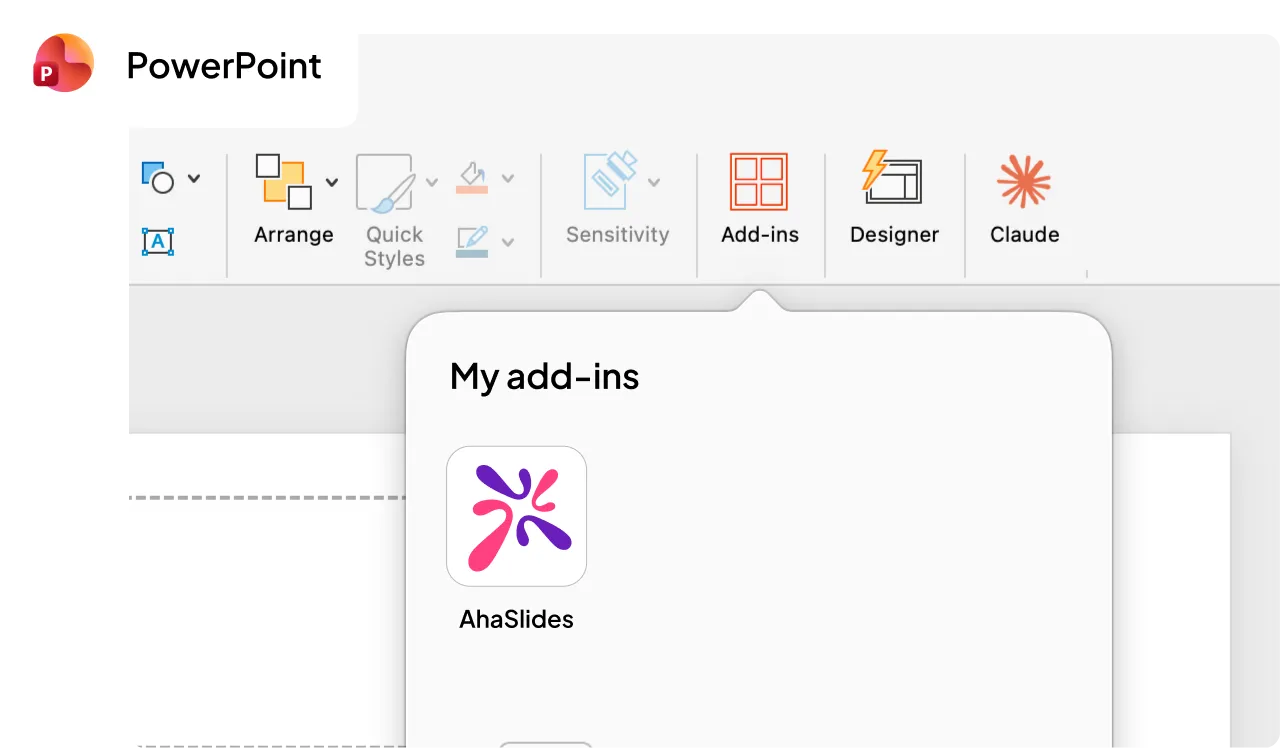
Stay in your workflow: Use the AhaSlides add-in directly within Microsoft PowerPoint.
Instant interactivity: Turn static text into live polls, word clouds, and Q&As without leaving your deck.
Get started
From text to interactive PPT

From text to interactive PPT

Stay in your workflow: Use the AhaSlides add-in directly within Microsoft PowerPoint.
Instant interactivity: Turn static text into live polls, word clouds, and Q&As without leaving your deck.
Try the AI builder

From text to interactive PPT

Stay in your workflow: Use the AhaSlides add-in directly within Microsoft PowerPoint.
Instant interactivity: Turn static text into live polls, word clouds, and Q&As without leaving your deck.
See analytics in action
From text to interactive PPTFrom text to interactive PPT

Easy AI presentation maker for live experience

AhaSlides' AI goes beyond generating fast slides: it embeds interactive experiences that sparks two-way conversations.
Get real-time analytics and response reporting during the show, not just a pretty deck afterward.
Get started
Easy AI presentation maker for live experience

Easy AI presentation maker for live experience

AhaSlides' AI goes beyond generating fast slides: it embeds interactive experiences that sparks two-way conversations.
Get real-time analytics and response reporting during the show, not just a pretty deck afterward.
Try the AI builder

Easy AI presentation maker for live experience

AhaSlides' AI goes beyond generating fast slides: it embeds interactive experiences that sparks two-way conversations.
Get real-time analytics and response reporting during the show, not just a pretty deck afterward.
See analytics in action
Easy AI presentation maker for live experienceEasy AI presentation maker for live experience

AI-powered slide decks for any goal

Start with a presentation template

View all templates
ChatGPT logo icon.
Google Gemini logo icon.
Microsoft Copilot logo icon.
Model Context Protocol (MCP) logo icon.
Google Slides logo icon.
Microsoft PowerPoint logo icon.
Zoom logo icon.
Microsoft Teams logo icon.
Connect the AI tools you already use
Get it now

"Instant reporting and data exports are the most valuable for our clients. Plus, customisation on a per-presentation level means that, as an agency, we can run multiple brands within our account."

Rachel Locke
CEO of Virtual Approval

Frequently asked questions

How do I use the AI presentation maker?
In your presentation editor, open the AI chatbox and chat with the assistant to create a presentation from scratch or fine-tune what you've already built.
Is the AI presentation maker available on all plans?
Yes, the AI presentation maker is currently available on all AhaSlides plans.
Do you use my data to train the AI?
No. AI assists with content generation, template suggestions, and usability improvements, but does not collect additional personal data beyond what you provide.
Can I turn off the AI function for security reason?

Yes, you can turn off the AI slide maker in the Settings. When turned off, all AI functions will be disabled completely.

Ready to build your next presentation?

Start creating for free
© 2026 AhaSlides Pte Ltd